What you need to get started
Here is everything you need to connect your roaster and start working in GiesenCloud.
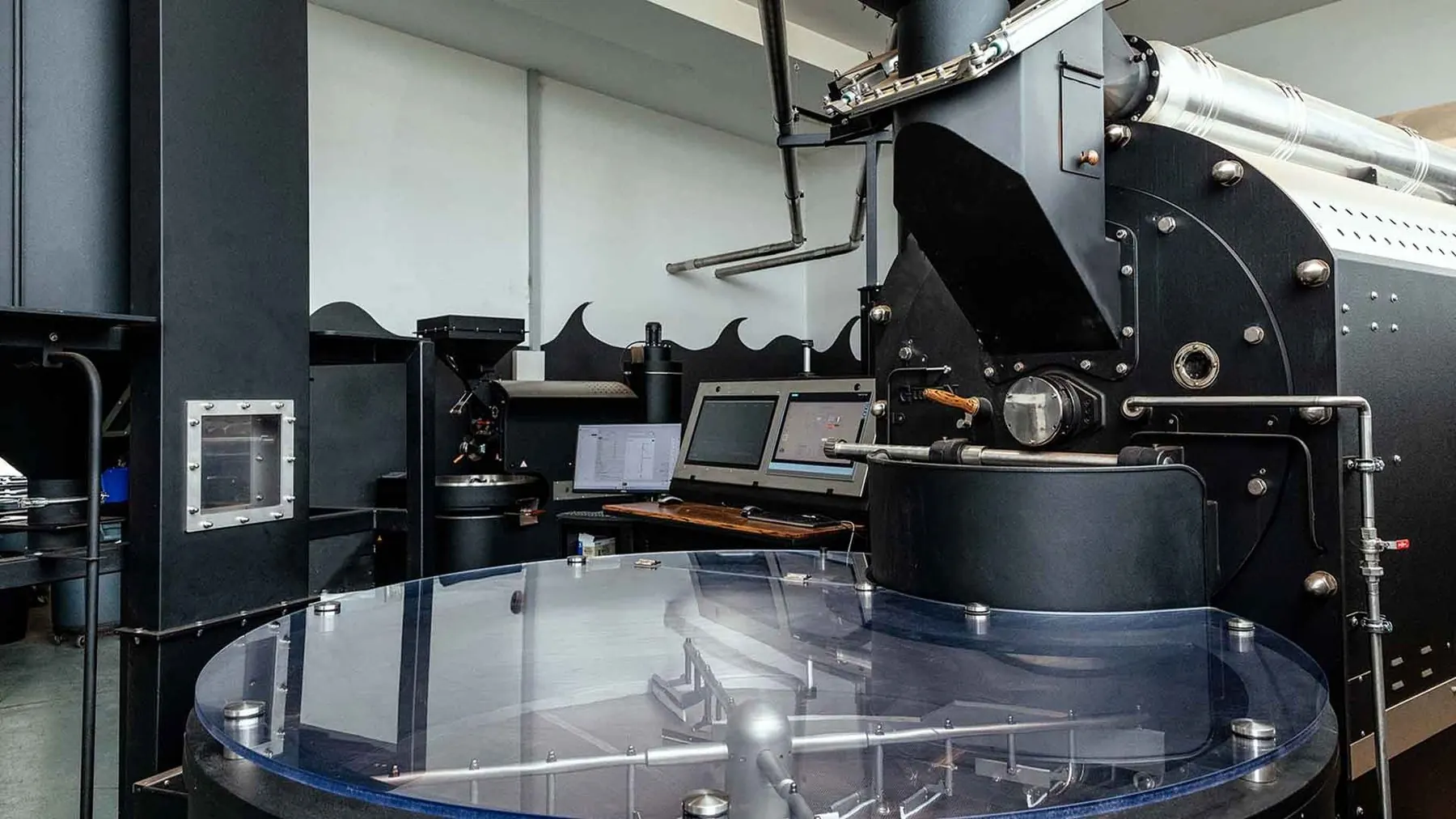
Simple to get going
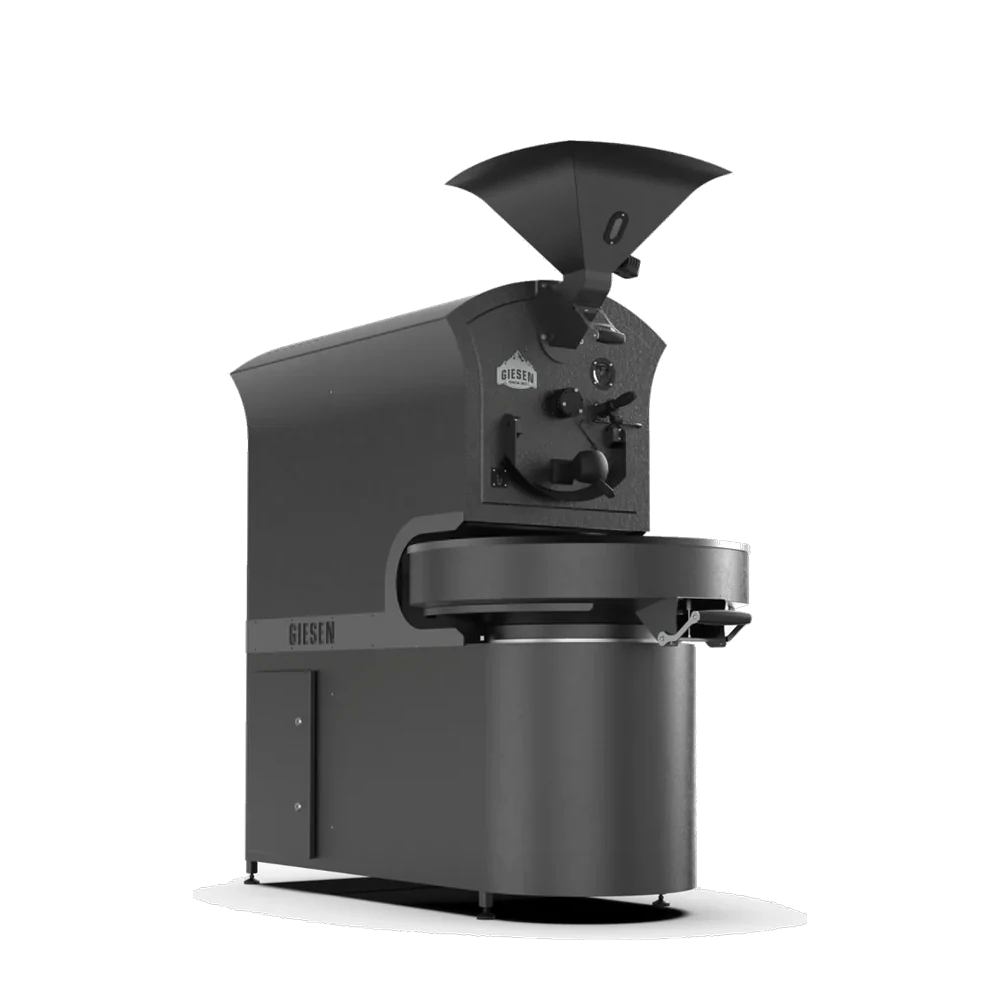
Your roaster, the Giesen Profiler on a computer next to it, and a browser for GiesenCloud.
Any Modern Browser
Use a current version of Chrome, Safari, Firefox or Edge to work in GiesenCloud.
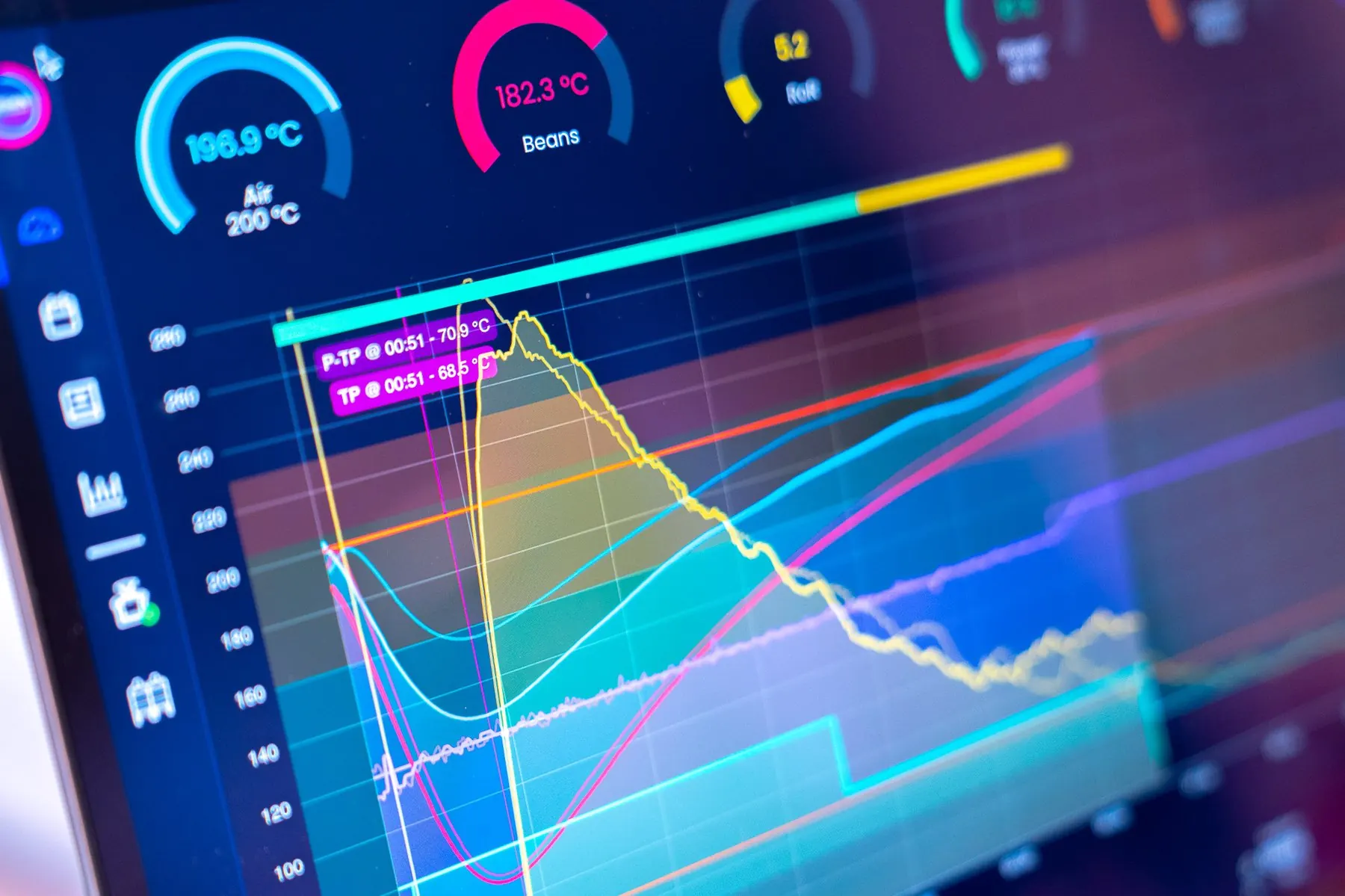
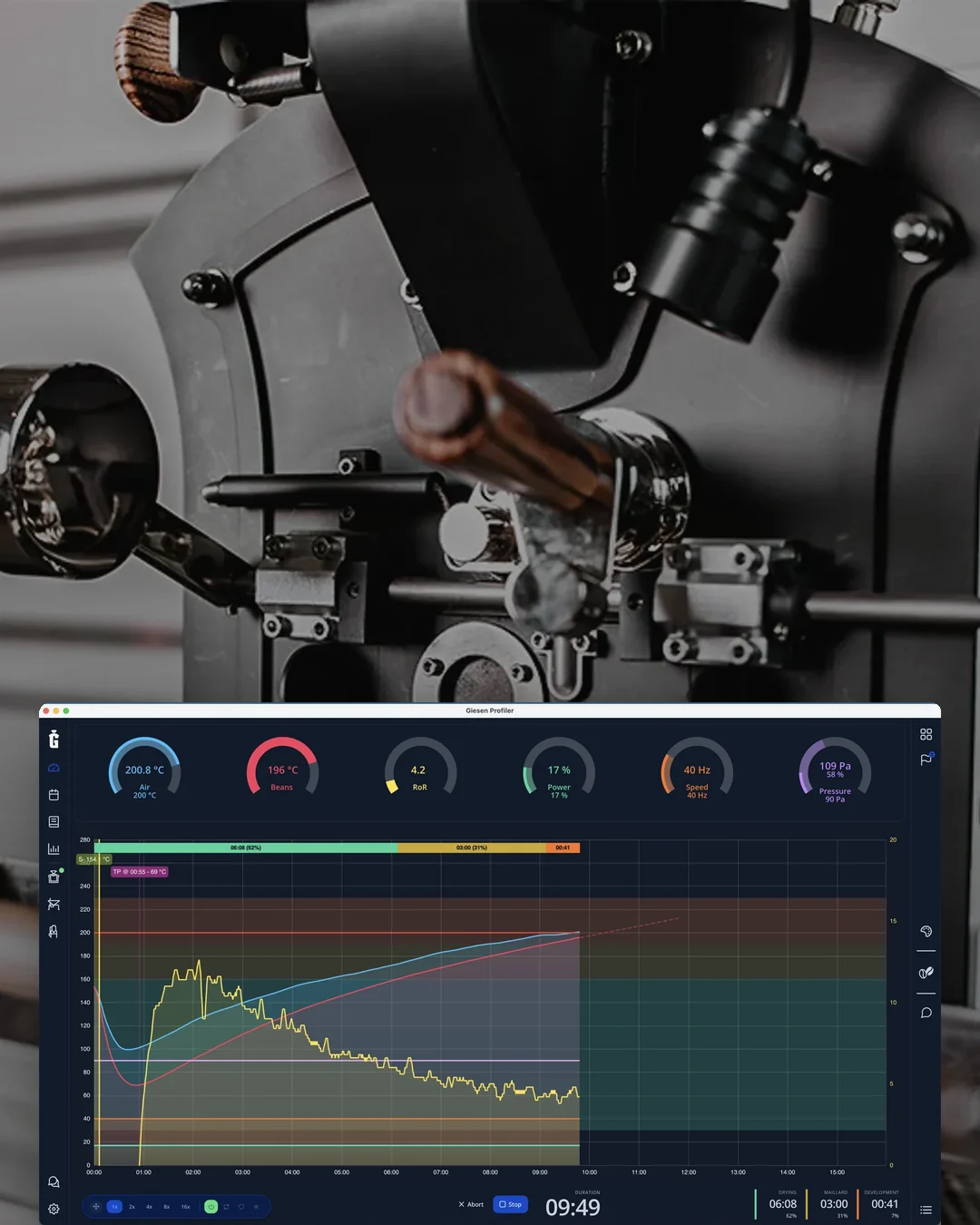
Giesen Profiler
Your roaster connects through the desktop Giesen Profiler on Windows or macOS.
A connected roaster
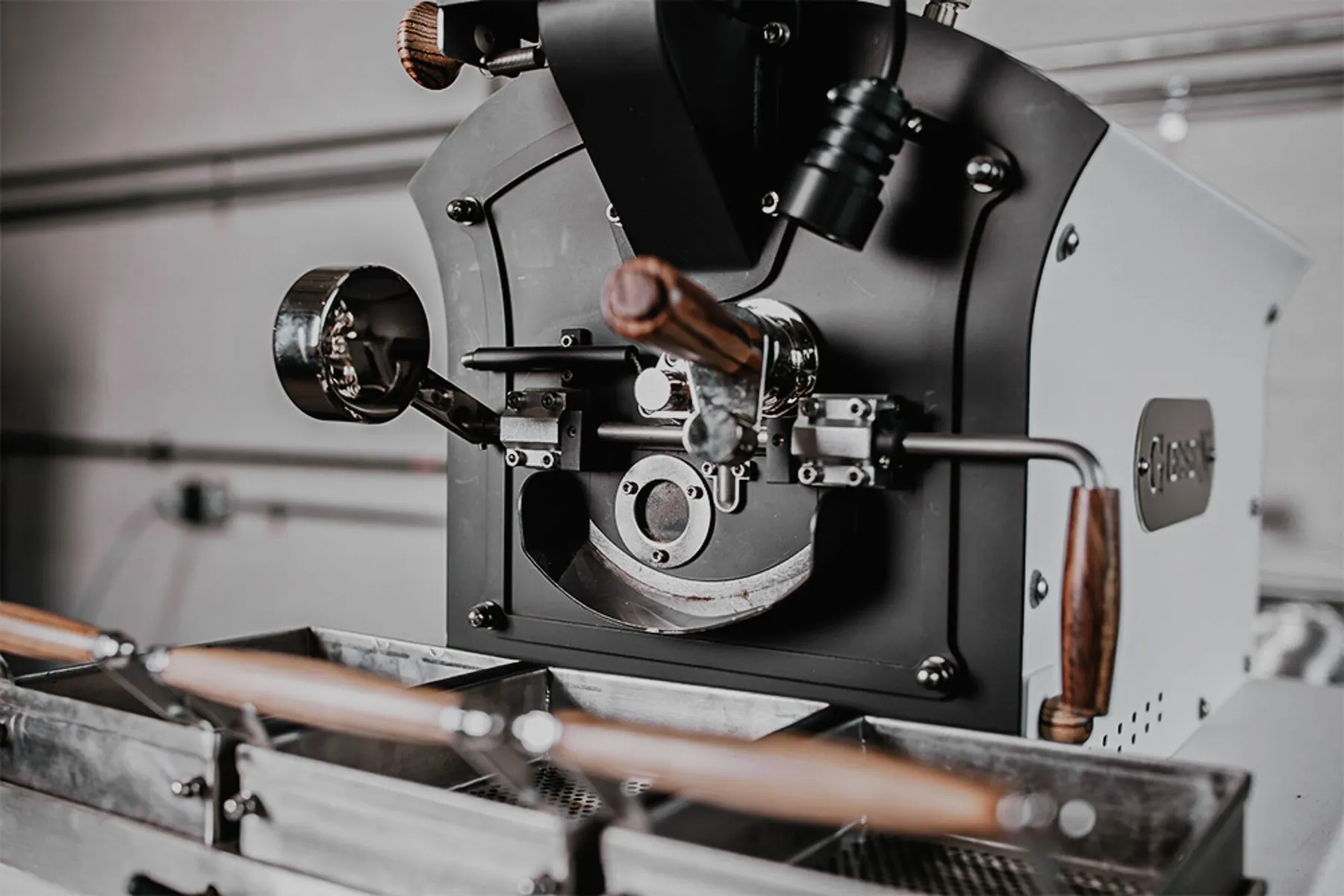
A Giesen roaster with a supported controller, or another brand fitted with external probes.
Stable Internet
A reliable connection keeps live data flowing between your roaster and the cloud.
Works with your setup
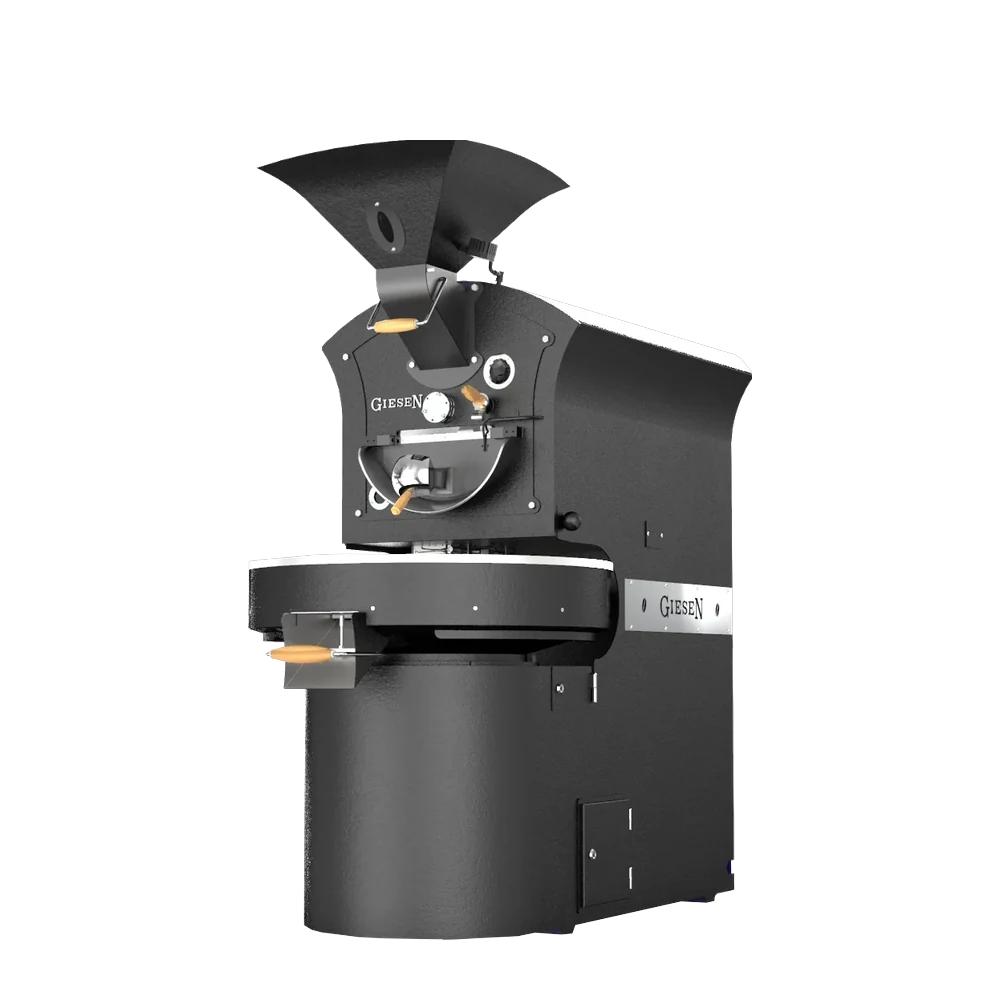
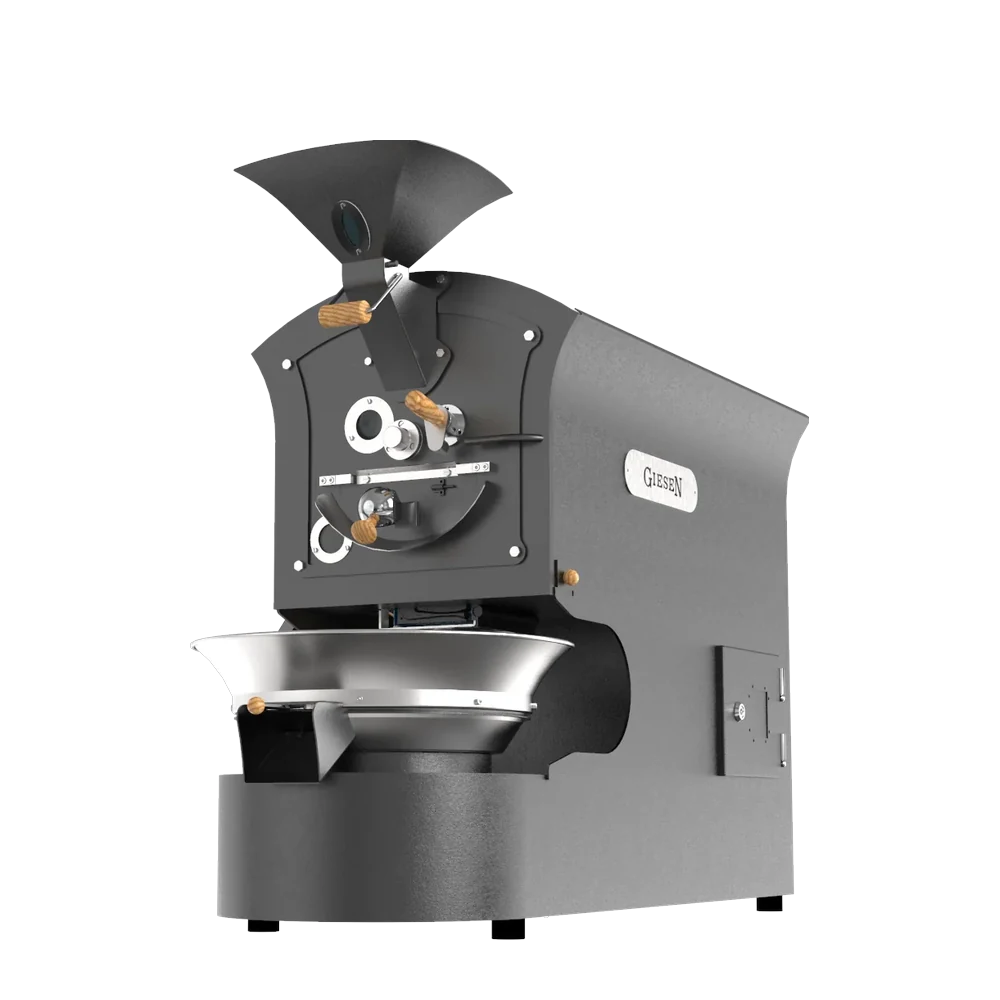
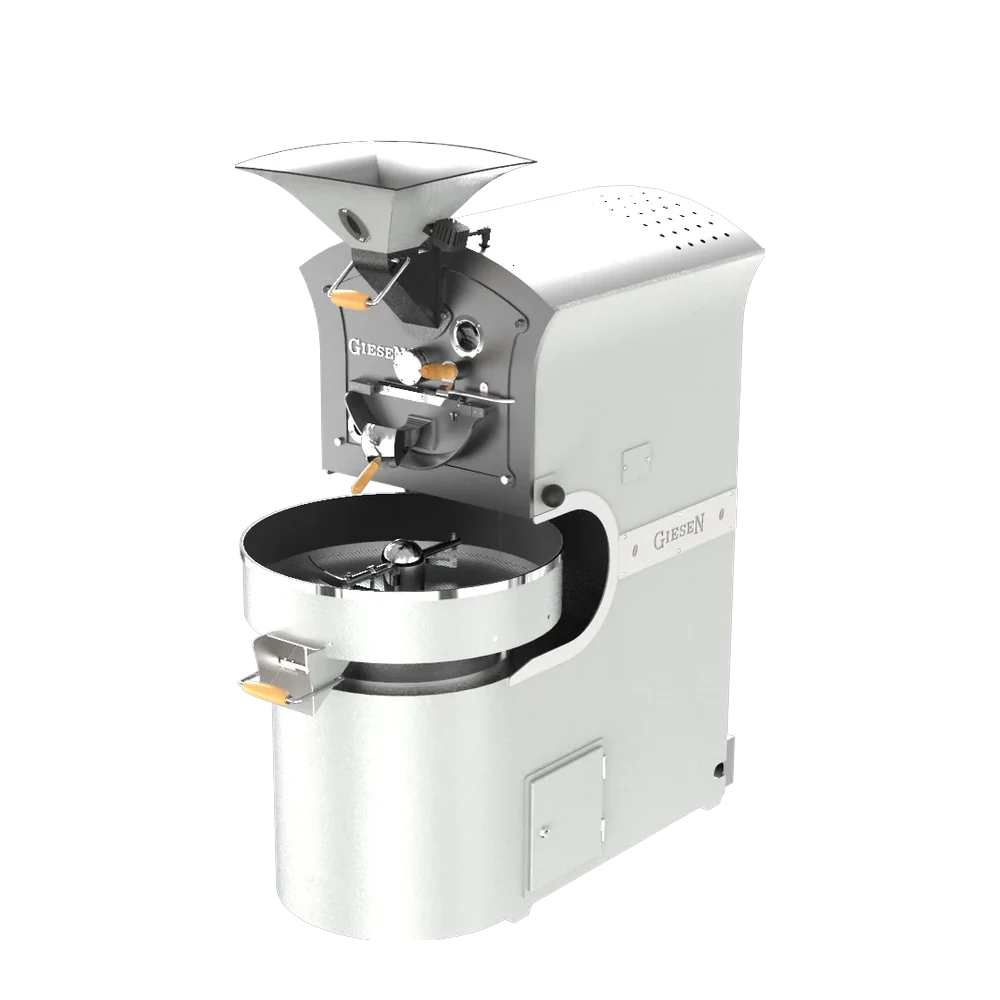
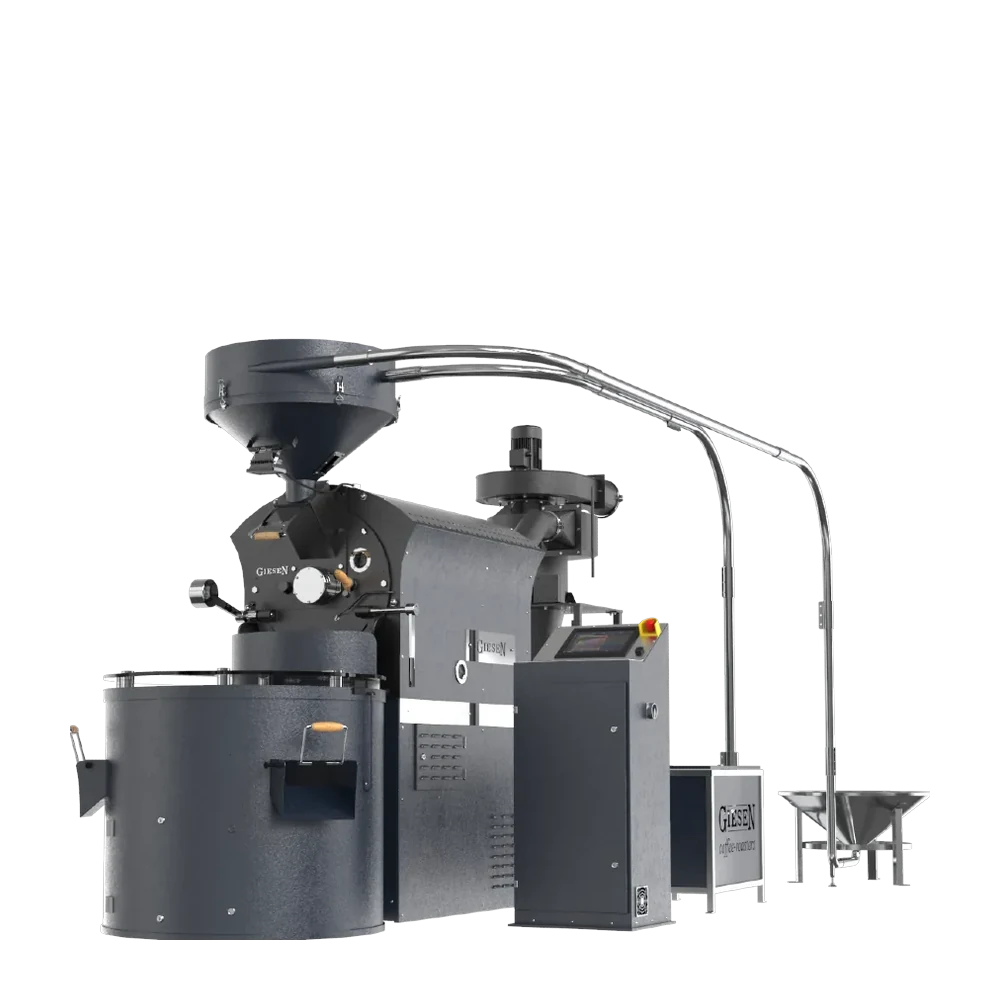
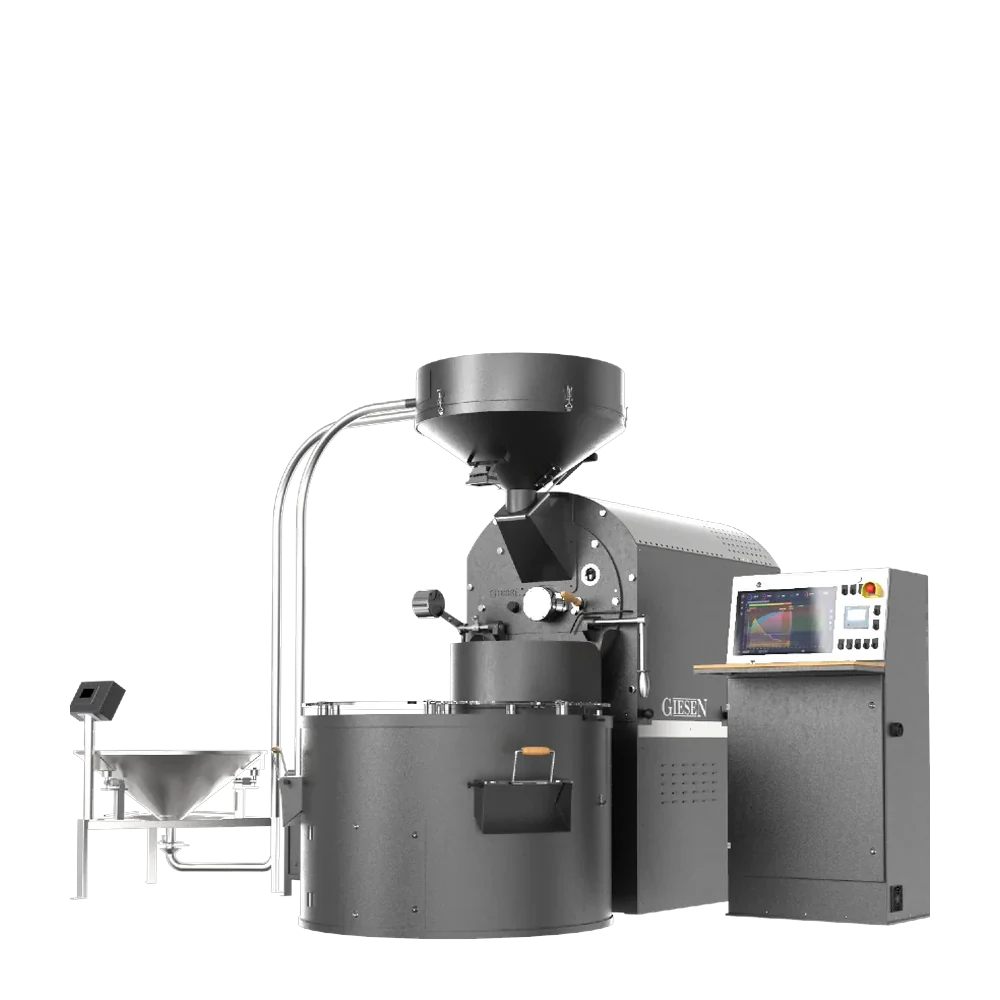
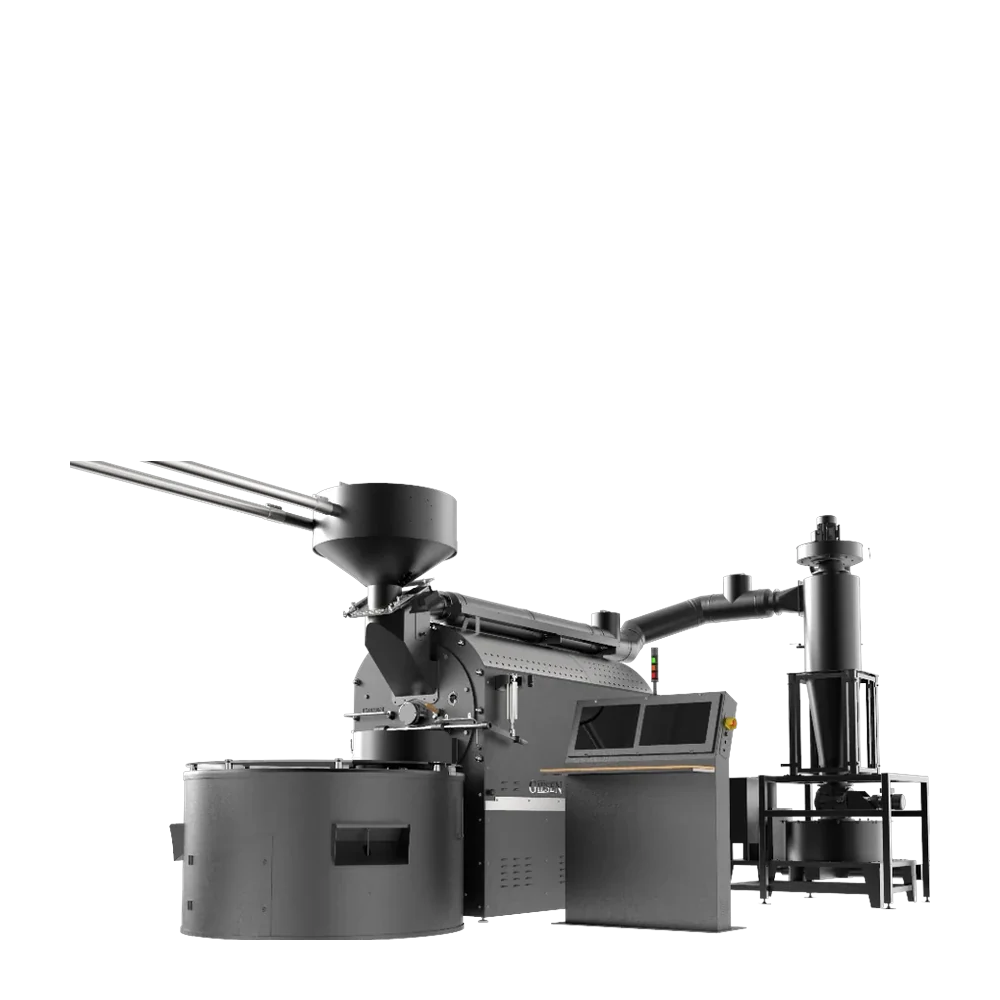
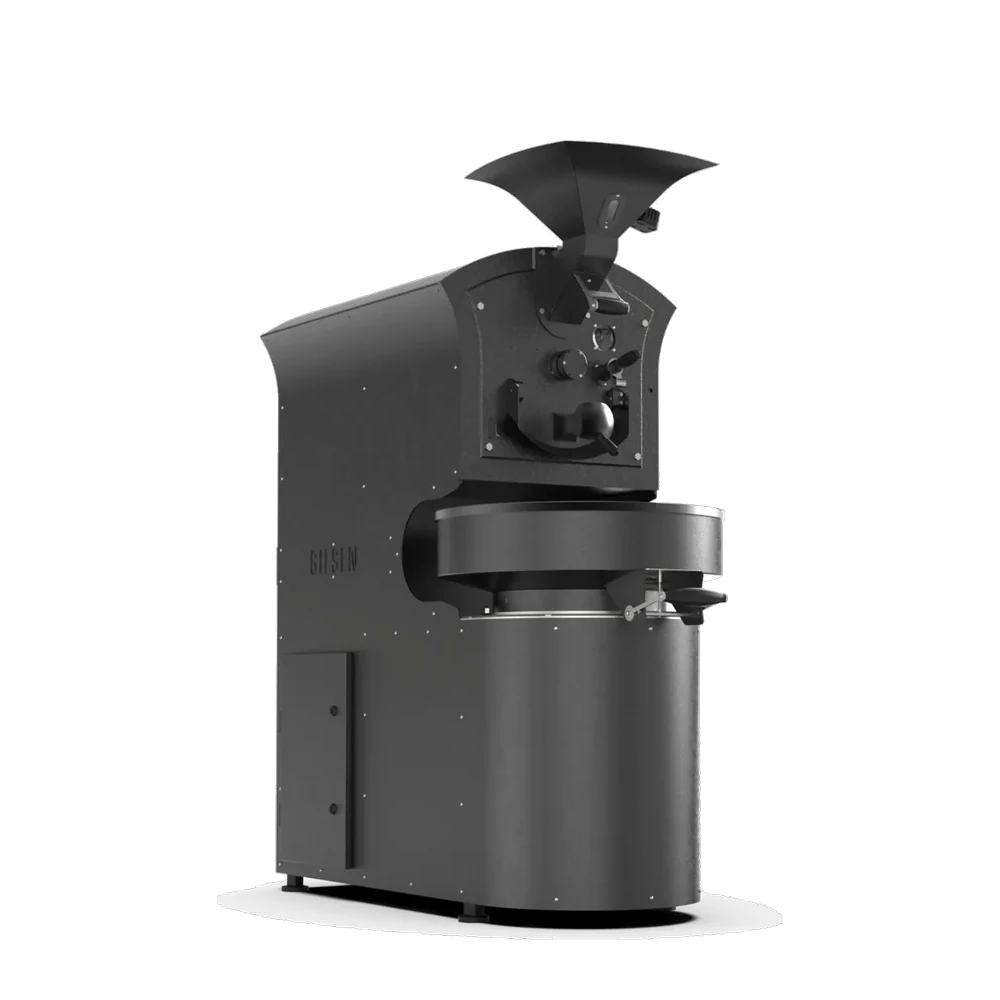
A Giesen roaster with a supported controller connects to GiesenCloud through the Giesen Profiler. Roasters from other brands connect with external probes. Not sure about yours? Check the supported roasters or ask our team.
- Supported PLC controllers
- External probes for other brands
- Giesen Profiler for Windows and macOS
- The Profiler is part of every plan
- Multi-roaster setups
See All Features
Ready when you are
Sign up in minutes. No credit card required to start.