A dashboard built around you
Six preset dashboards with 32 widgets. Drag them into your order and set their width, so what matters to you comes first.
Your data, your way
Arrange the widgets that matter to you, in the order you work.
Custom Layouts
Drag widgets into your order and set each one to 1, 2 or 3 columns wide.
Live Metrics
See your latest roastery data, refreshed each time you open your dashboard.
KPI Tracking
Track the numbers that matter most to your business.
32 widgets
Spread across six preset dashboards: Operations, Production, Inventory, Sales, Quality and Projects.
Follows your role
Your default dashboard preset follows your role in the team.
Sales
Sales widgets use your ERP orders, so the Sales dashboard needs the Industrial plan.
Drag, drop, done
Start from the preset that matches your role, drag the widgets into the order you want and set how wide each one is. Metrics refresh each time you open your dashboard.
- Drag to reorder
- Widths of 1, 2 or 3 columns
- Up-to-date roastery metrics
- 32 widgets across 6 preset dashboards
- Default preset follows your role
Six preset dashboards
Spread across six preset dashboards: Operations, Production, Inventory, Sales, Quality and Projects.
See All Features
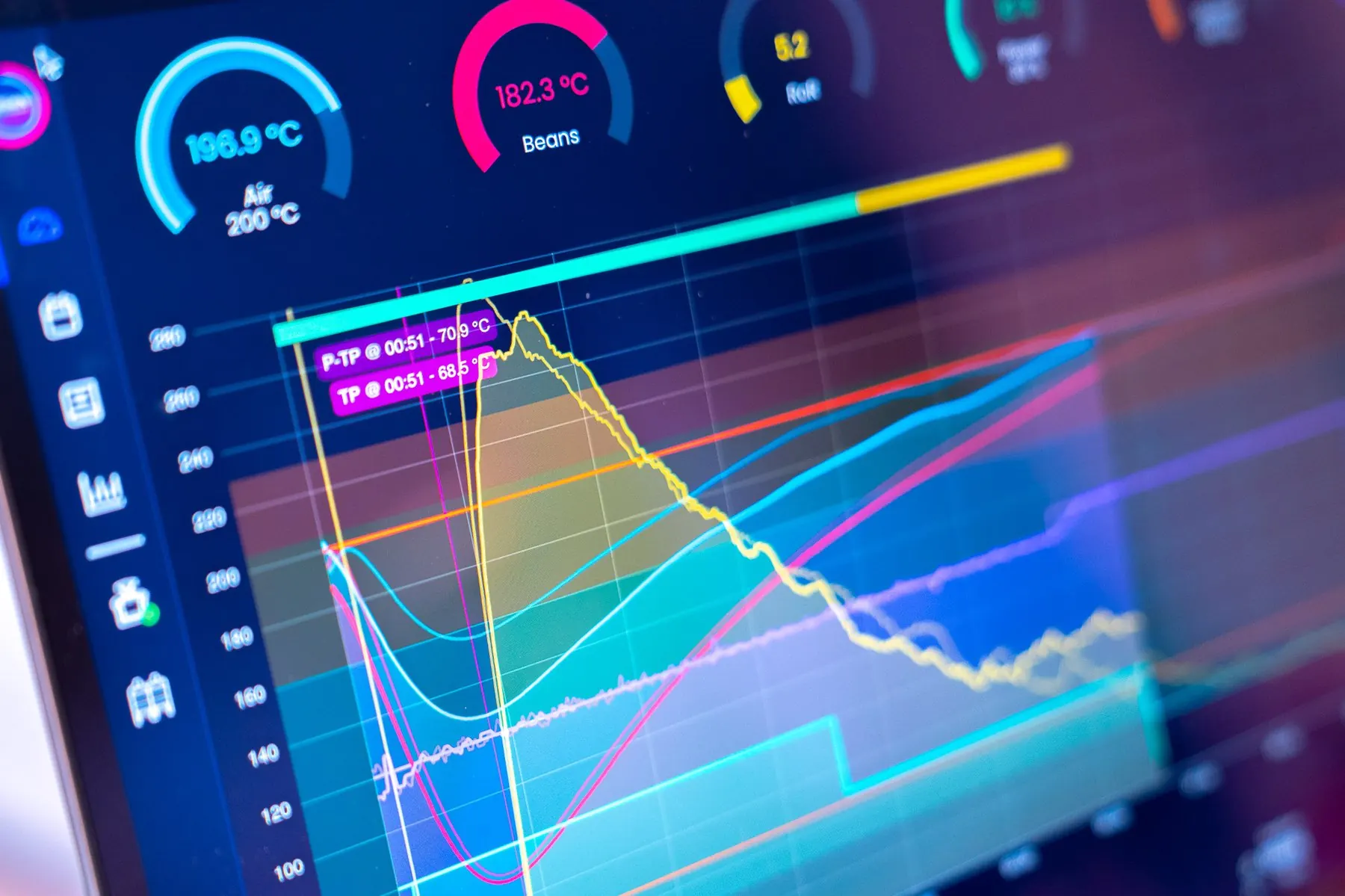
See what matters, instantly
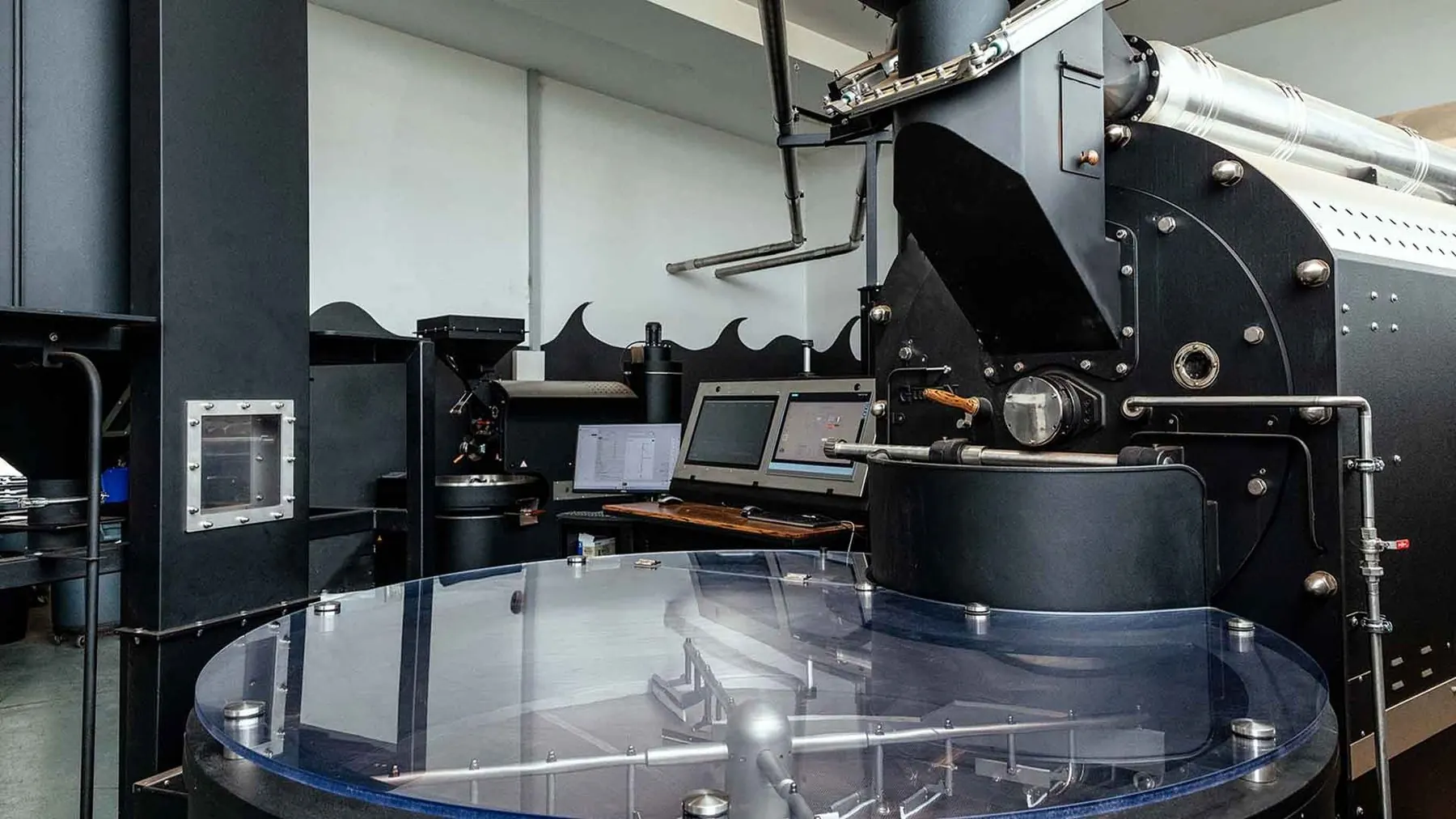
Arrange your dashboard on the platform you already roast with.