Inventory under control
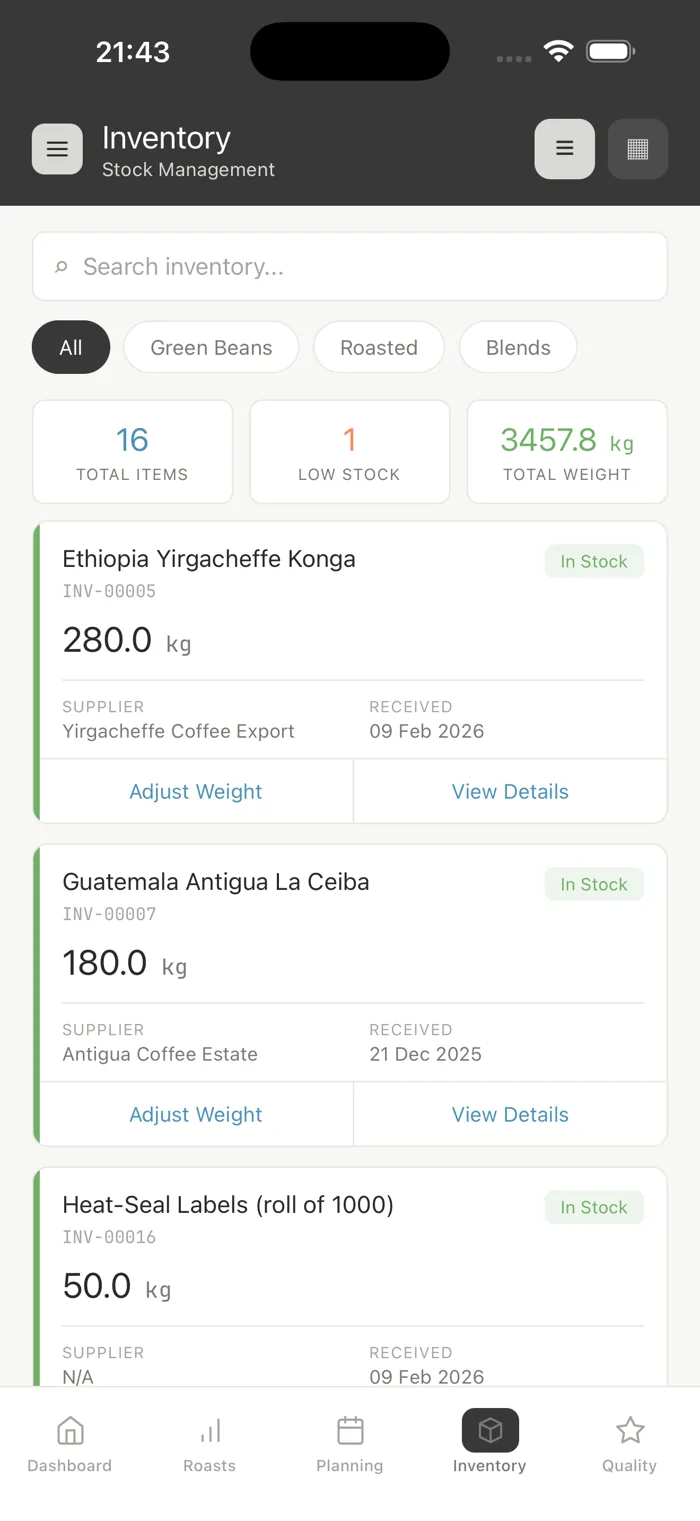
Every lot, every location and every movement in one ledger: stock levels, transfers, receiving and purchase orders, with a low-stock threshold per lot.
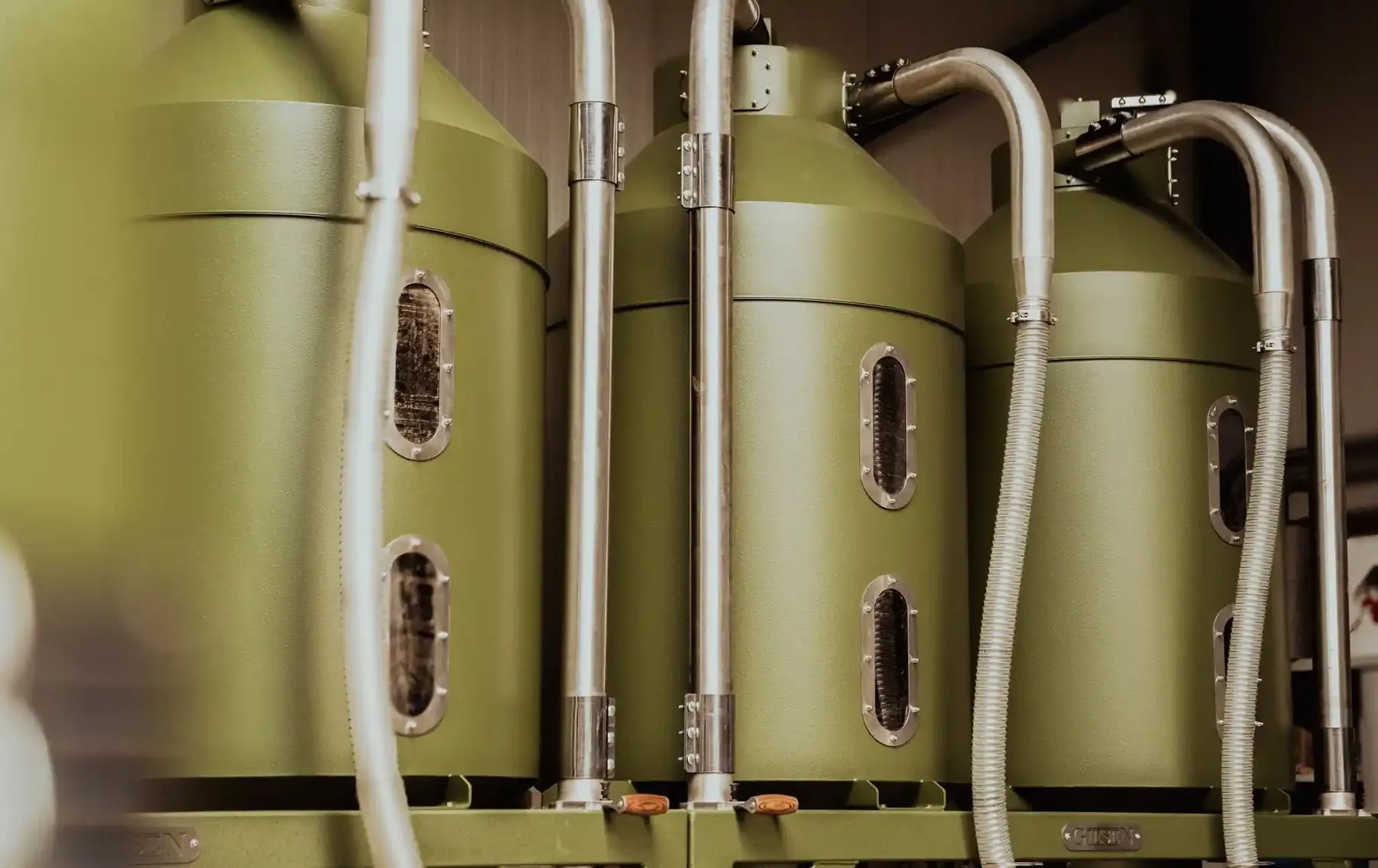
Everything in its place
Complete inventory control designed for the way roasteries actually work.
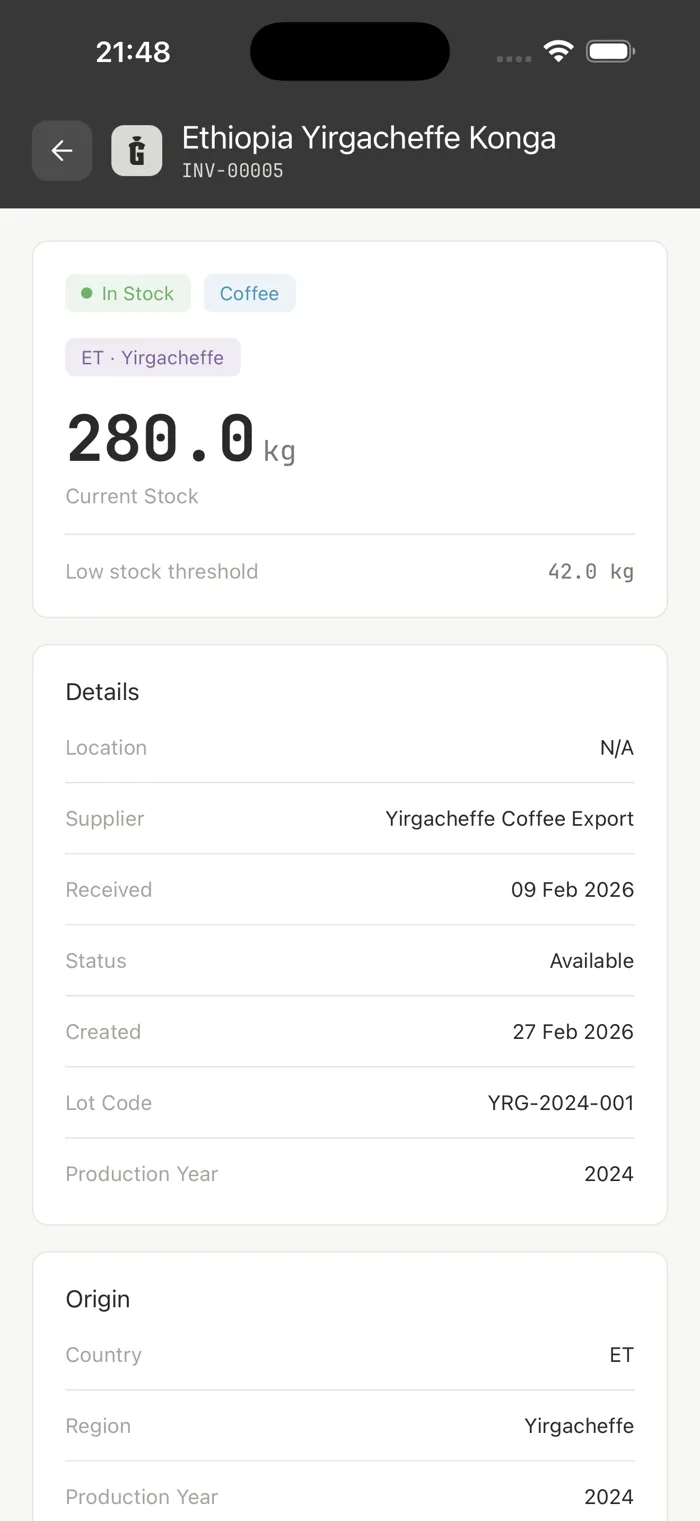
Every lot has a lot code and its stock in grams, pieces or volume.
One location on the Commercial plan, three on Industrial, with storage locations on Industrial.
Move inventory between locations with full tracking and audit trails.
Set a threshold per lot. Lots at or below it are marked Low stock and appear on the low-stock dashboard widget.
Stock you can trust
Receipts, transfers, adjustments and roasts all land in one transaction ledger per lot. Link a roast to its lots and the green coffee is deducted for you.
- Stock in grams, pieces or volume
- Roasts linked to a lot deduct its green stock
- Goods-in receiving workflow
- Per-lot traceability
Every location, one view
Keep stock per location and move it between locations and storage locations. Every transfer records who moved it, when, and the reference.
- Locations that scale with your plan
- Inter-location transfers
- Per-location stock levels
- Storage locations with capacity and barcode (Industrial plan)
Spot low stock before you run out
Set a low-stock threshold per lot. Lots at or below it are marked Low stock and show up on the dashboard, and every day GiesenCloud drafts a purchase order per supplier for them.
- A low-stock threshold per lot
- In-app low-stock indicators
- Low-stock dashboard
- Auto-drafted reorder POs
Purchase orders & suppliers
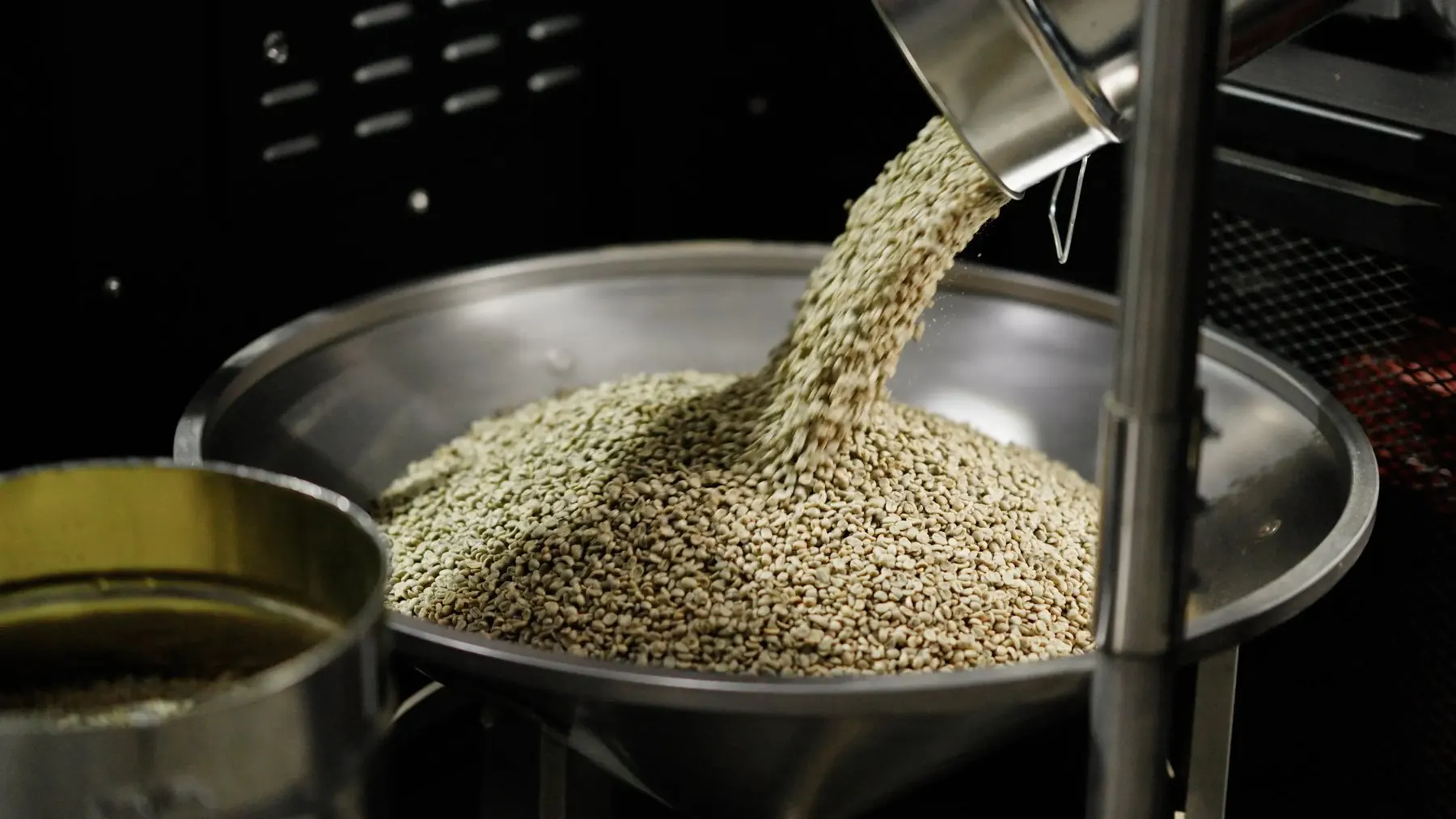
A purchase order goes from draft to sent, partially received and received. Each supplier keeps its lead time, payment terms and currency, and the lead time sets the expected delivery on auto-drafted orders.
- Email the supplier the purchase order as a PDF
- Receive in parts, with EUDR reference numbers
- Lead time, payment terms and currency per supplier
A catalog of your coffees
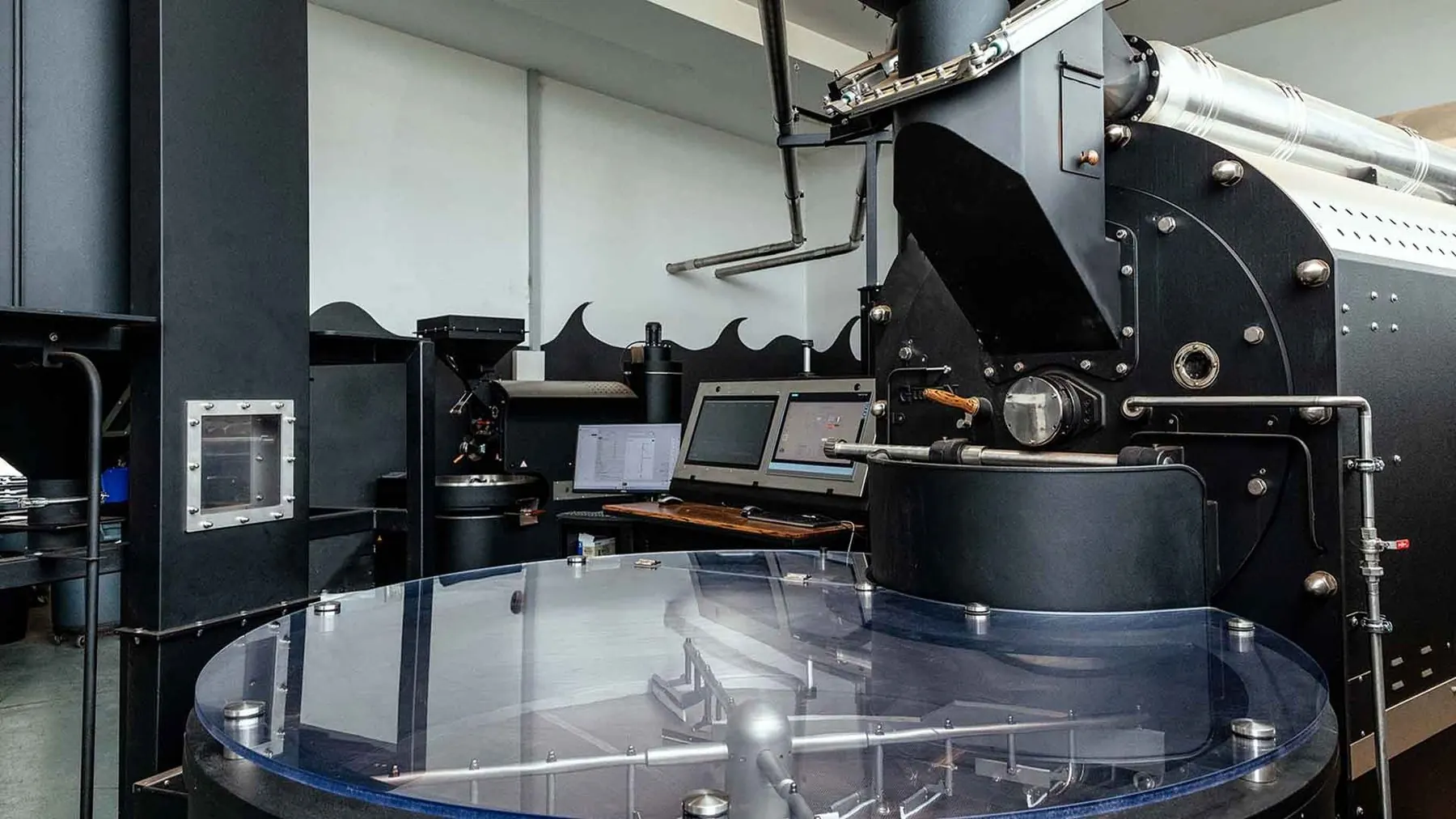
Keep every coffee your team buys with its country, region, altitude, harvest and tasting notes, or import it from a shared library. Lots and samples link to the coffee, so its details travel with every bag.
Paperwork that stays with the lot
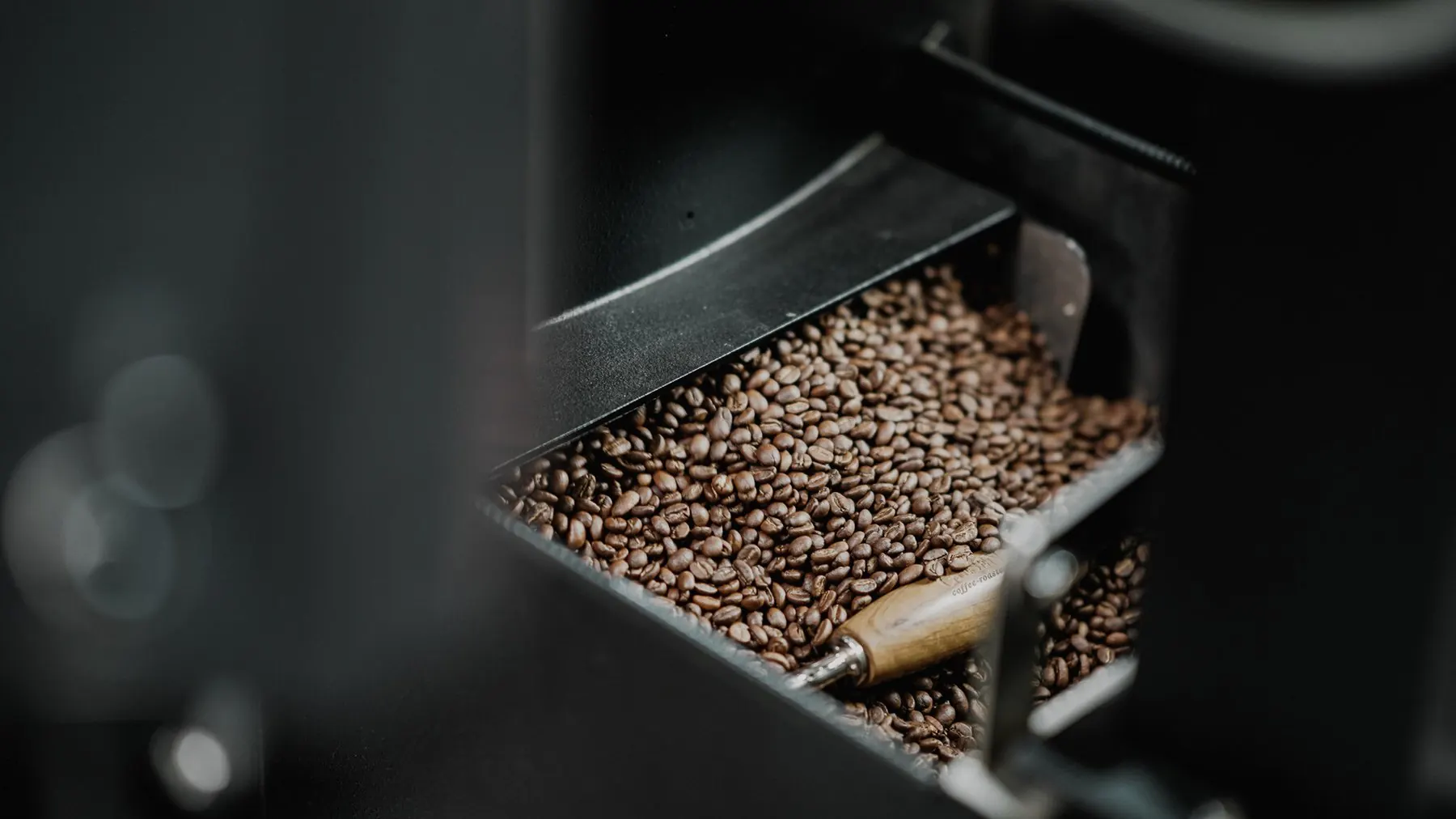
Documents, certificates and EUDR references live on the lot they belong to.
Read about EUDRAttach PDFs, Office files and images up to 50 MB to a lot, and link them to its certificates.
Record the EUDR reference number when goods come in, so it stays with the lot.
See where a lot came from and which roasts used it.
Stock Transfers
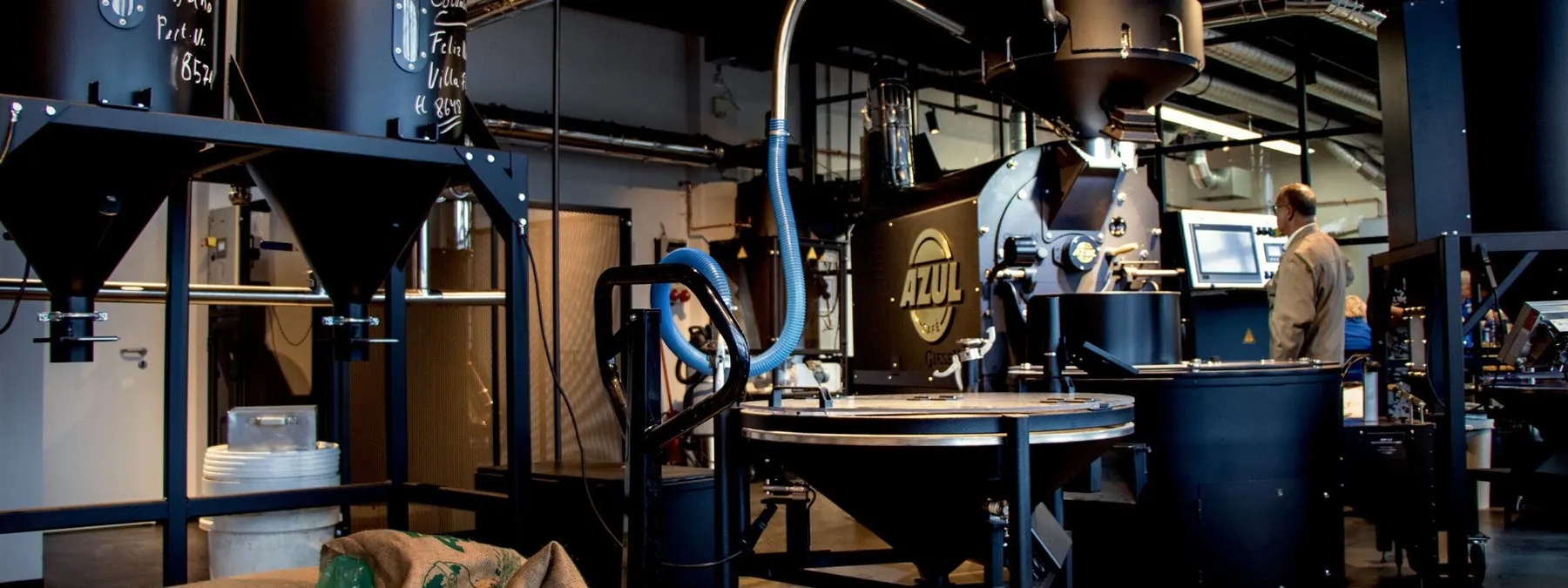
Move inventory between locations with full tracking and audit trails.
See All Features
Take control of your inventory
Stop guessing and start tracking. Inventory management built for roasters.