Bring your roasts to GiesenCloud
Import roast profiles and roasts from Cropster or Artisan with a guided wizard. Data Import is in Beta.
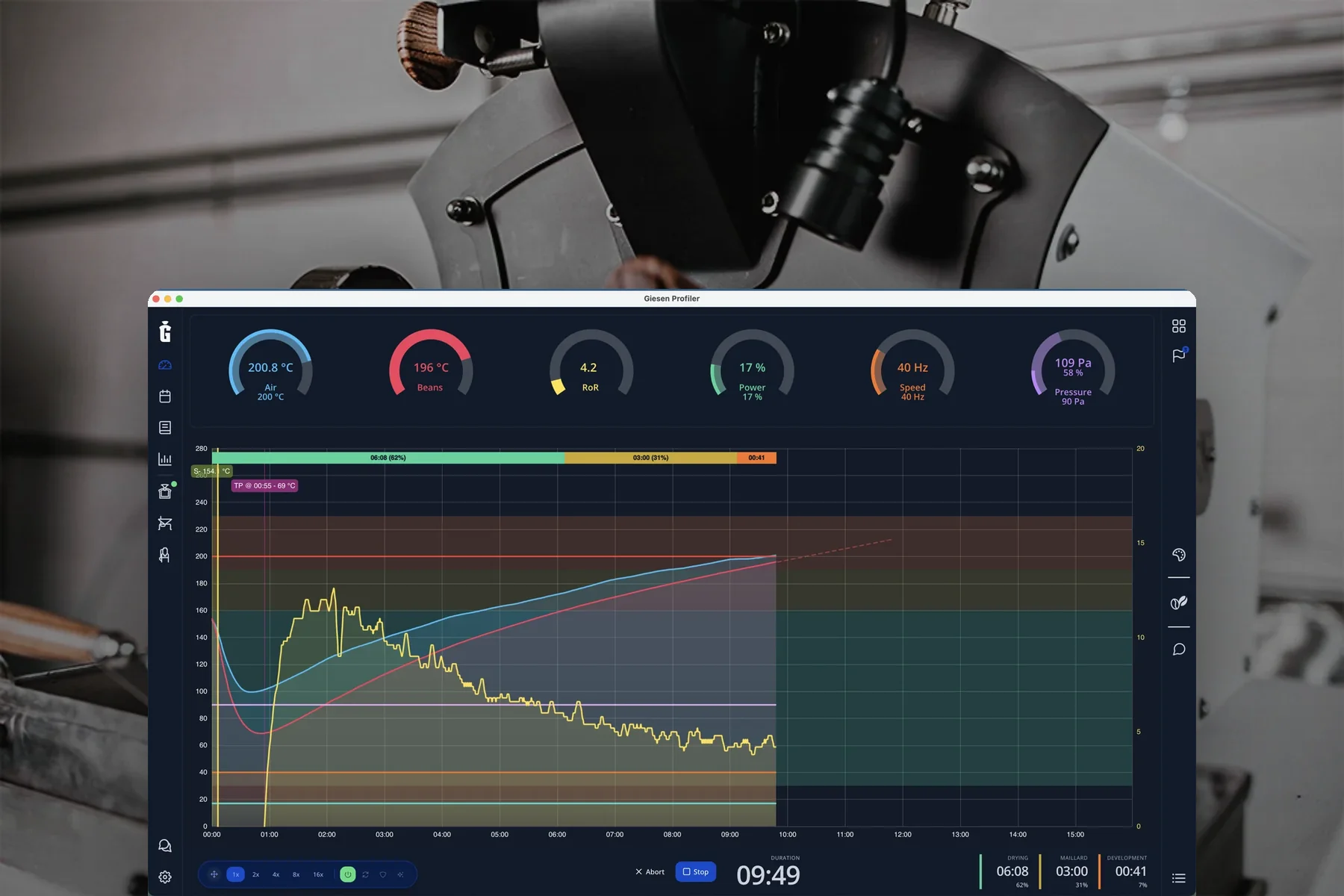
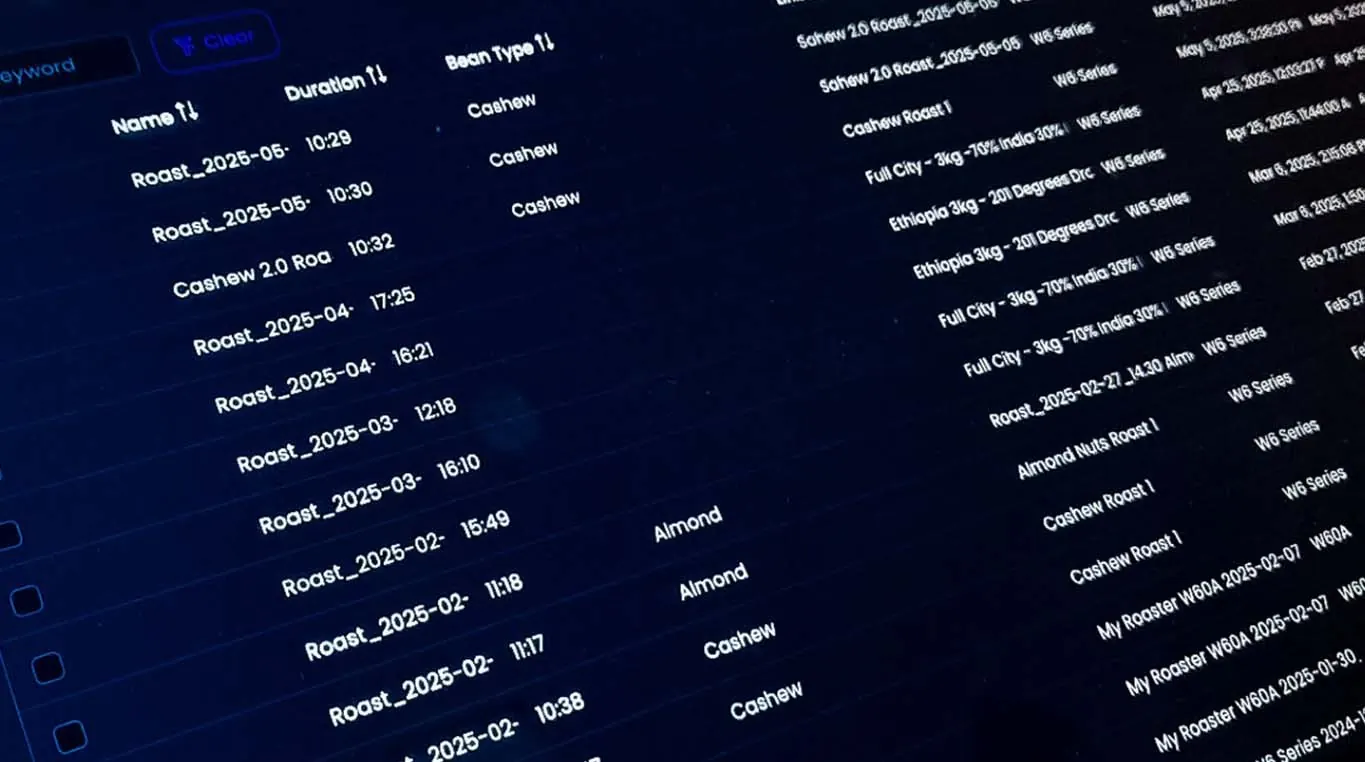
Import from Cropster and Artisan
Import each file as a profile, a roast, or both. Tip: export the roasts you will roast again.
Import Cropster exports in XLS, XLSX, XML or JSON format.
Import Artisan roast logs in ALOG or JSON format.
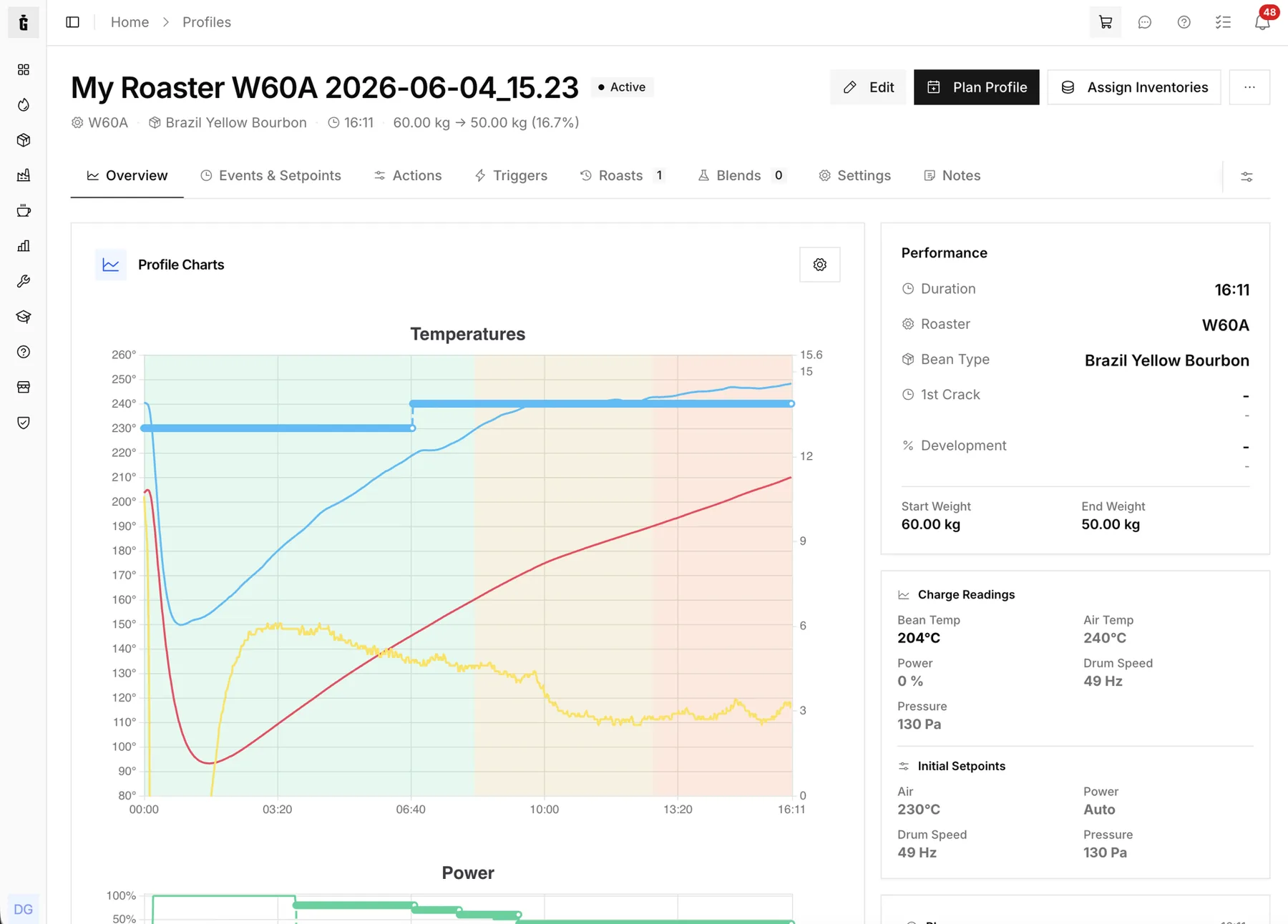
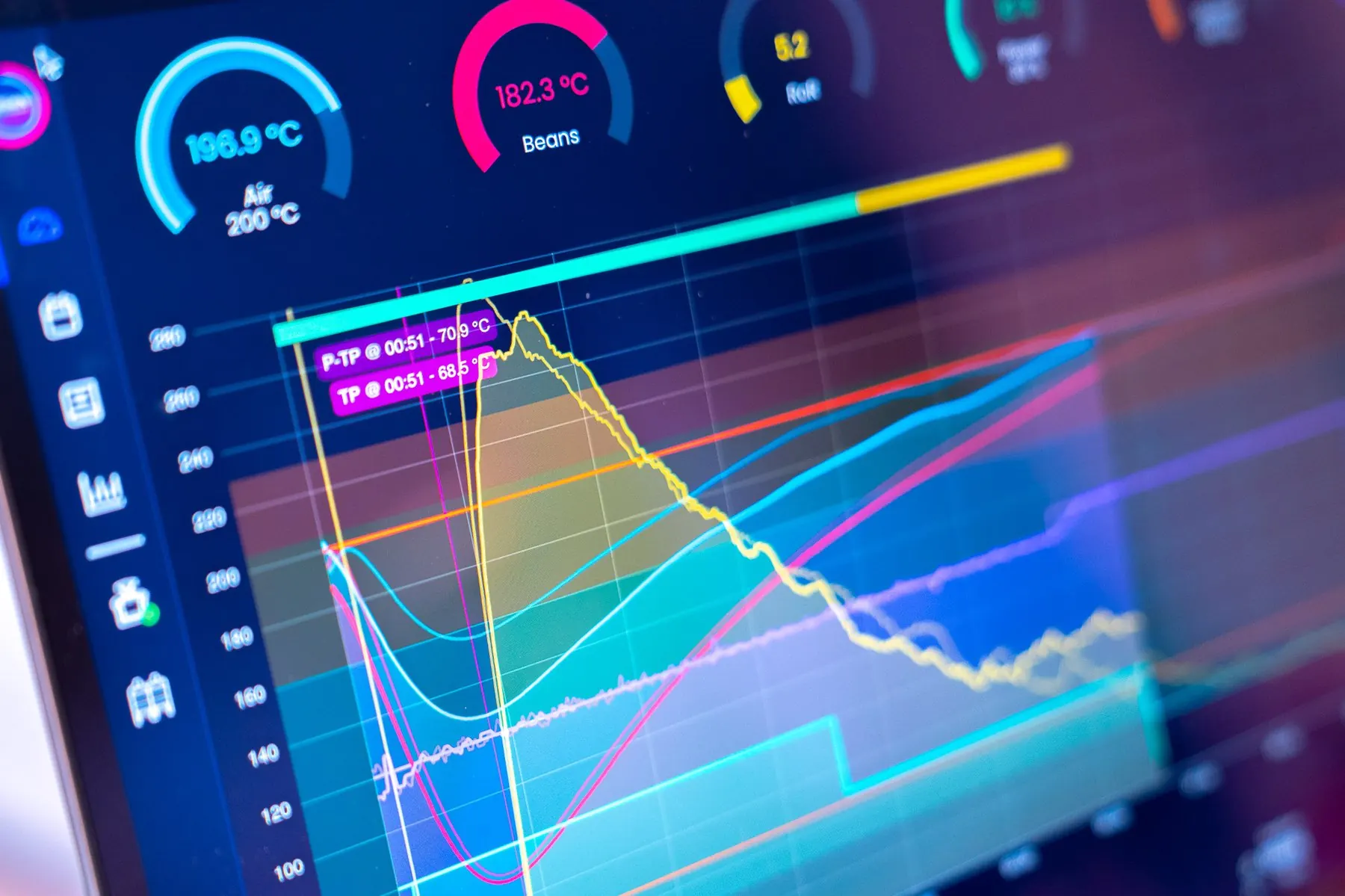
Curves, events and milestones, and power, drum speed and pressure setpoints come across.
Preview, mapping, roaster assignment and review, with rollback of a whole import.
Three steps to migrate
Export from Cropster or Artisan, upload the files to the wizard, then preview, map fields, assign a roaster and review before you import.
- Several roasts in one import
- Machine and roaster matching
- Up to 25 files of 25 MB each
- Roll back a whole import
- 1ExportCropster or Artisan
- 2UploadGuided Wizard
- 3ImportReview & Confirm
Curves, events and setpoints
Roast curves, events and milestones come across, together with power, drum speed and pressure setpoints. Roll back a whole import if something is not right.
- Full roast curve data
- Events and milestones
- Power, drum speed and pressure setpoints
- Import as profile, roast or both
Machine-Ready Profiles
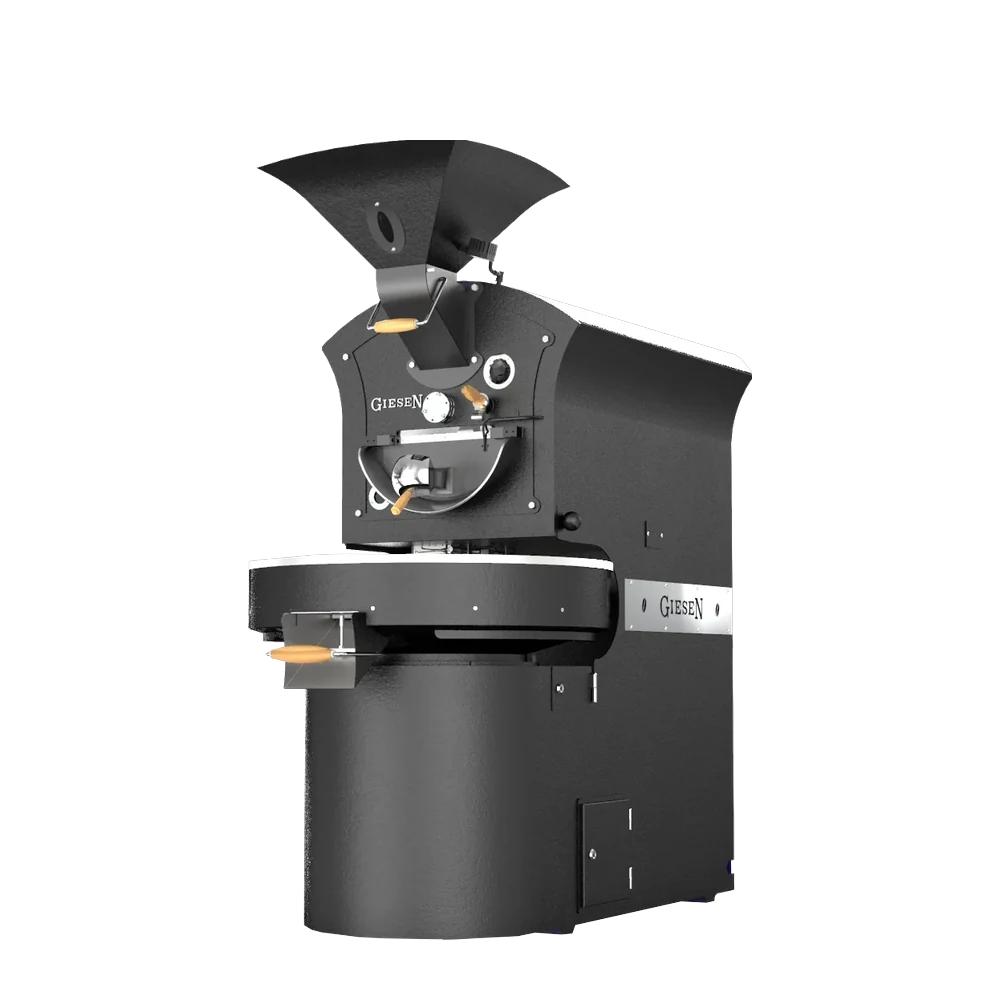
Import a file as a profile to roast it again on your Giesen roaster.
See All Features
Migration made simple
Import from Cropster or Artisan with the guided wizard, and roll back a whole import if needed.