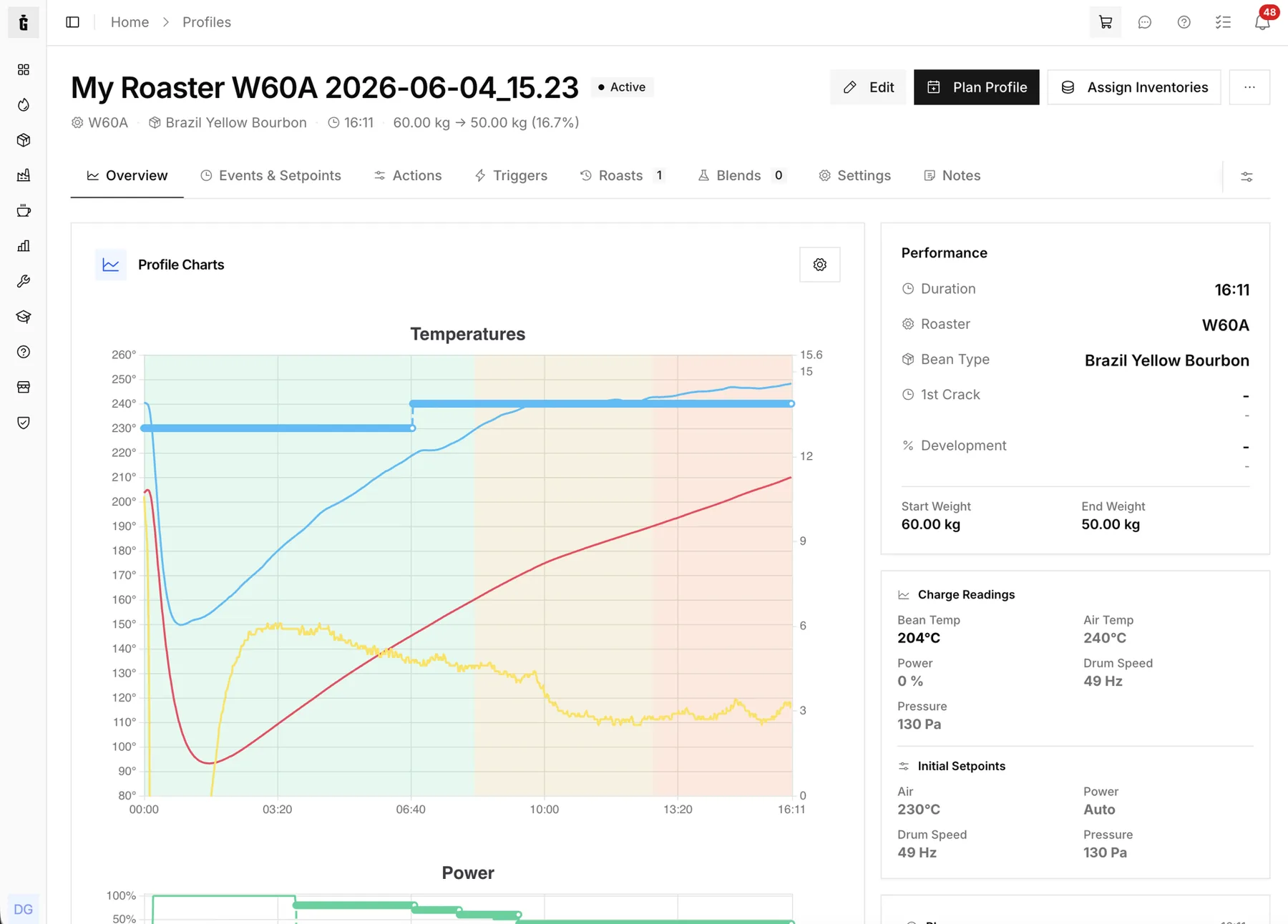
Talk to your roastery data
Connect an MCP-compatible AI client to GiesenCloud. Ask questions, pull reports, and act on your data without writing a single line of code.
Requires the Developer Access add-on on the Commercial or Industrial plan.
Built for the AI era
GiesenCloud speaks the same protocol modern AI assistants use to access tools — no plugins, no glue code, no waiting.
53 read and 29 write tools, plus prompts and resources — roasts, planning, inventory, quality, sales and more.
Authorize an AI client over OAuth, and revoke any session any time. Every tool respects your team role.
Every tool respects your team, role, and subscription — the AI sees exactly what you see.
Up to 60 requests per minute per user.
Ask a question. Get an answer.
"How much Yirgacheffe did we roast last week?" "What's the average cupping score for our Decaf blend?" "Draft a sales order for 200 kg for a wholesale customer." MCP lets your AI actually do the work instead of just describing it.
- Natural-language reporting
- Read & write tools
- Works with MCP-compatible AI clients
How much Ethiopia Yirgacheffe did we roast last week?
You roasted 218 kg of Ethiopia Yirgacheffe across 12 batches between Mar 4 and Mar 10. Average cupping score: 86.4.
Draft a purchase order for 500 kg more.
Draft created — PO-2026-0421, 500 kg, from your usual supplier. Open in GiesenCloud to review and send.

Works with MCP-compatible AI clients
GiesenCloud speaks the standard Model Context Protocol, so any MCP-compatible AI client can connect to the endpoint.
MCP Server Endpoint
Add the GiesenCloud MCP endpoint URL in your AI client, authorize the connection over OAuth, and start a conversation with your data.
{
  "mcpServers": {
    "giesencloud": {
      "url": "https://giesen.cloud/mcp"
    }
  }
}