Download Giesen Profiler
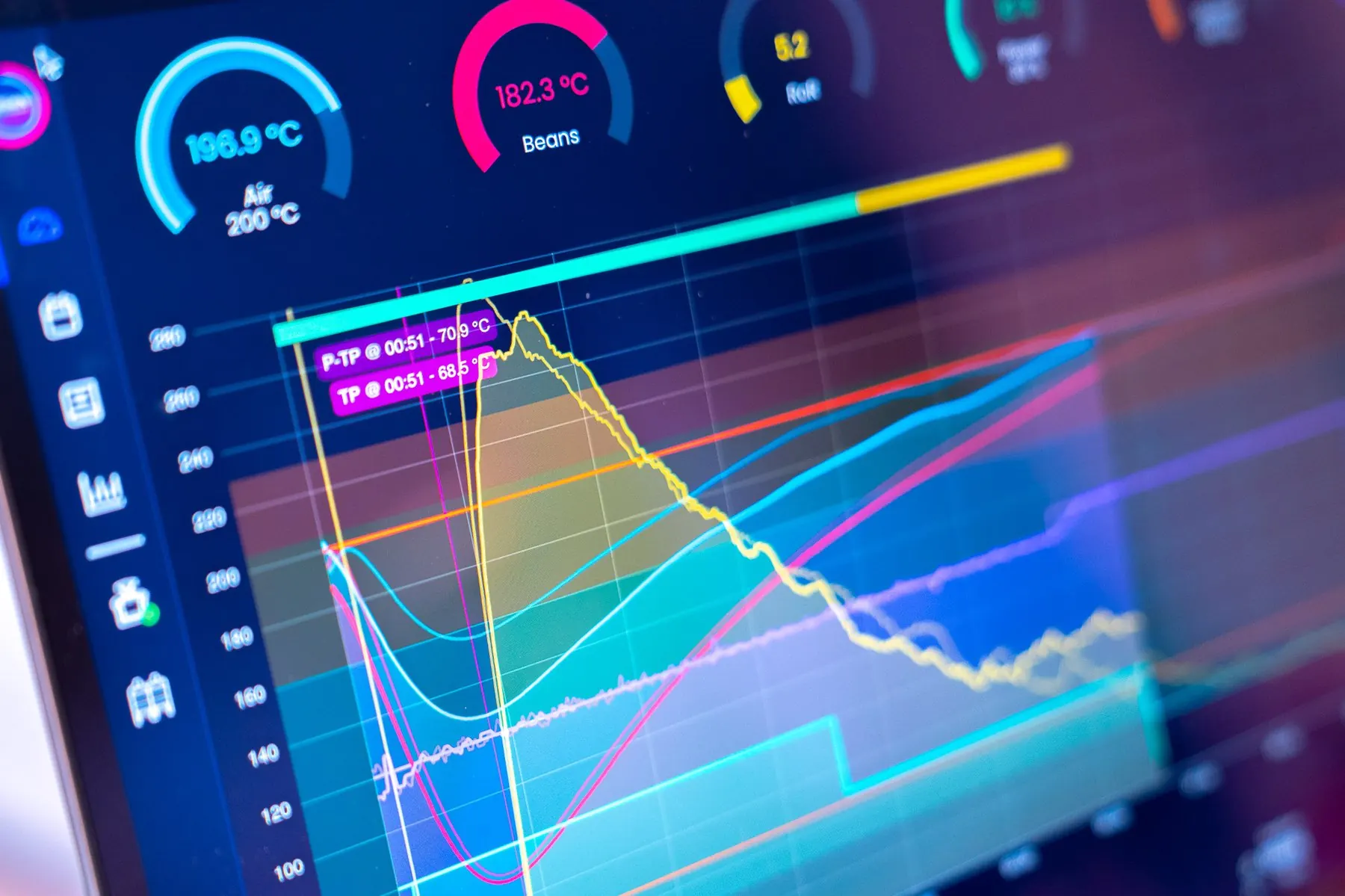
The desktop application that connects to your Giesen roaster. Essential is the free local Profiler; a paid plan syncs your roasts to GiesenCloud.
Choose your platform
Download the right version for your operating system.
macOS (Intel)
For Mac computers with Intel processors.
macOS (Apple Silicon)
Mac with Apple Silicon Chip
Windows
Install from Microsoft Store, or sign in to download the standalone installer.
Windows (ARM64)
Installer for Windows on ARM64 processors.
Sign in to GiesenCloud and open Downloads to get the latest desktop Profiler for your platform.
Sign in Microsoft Store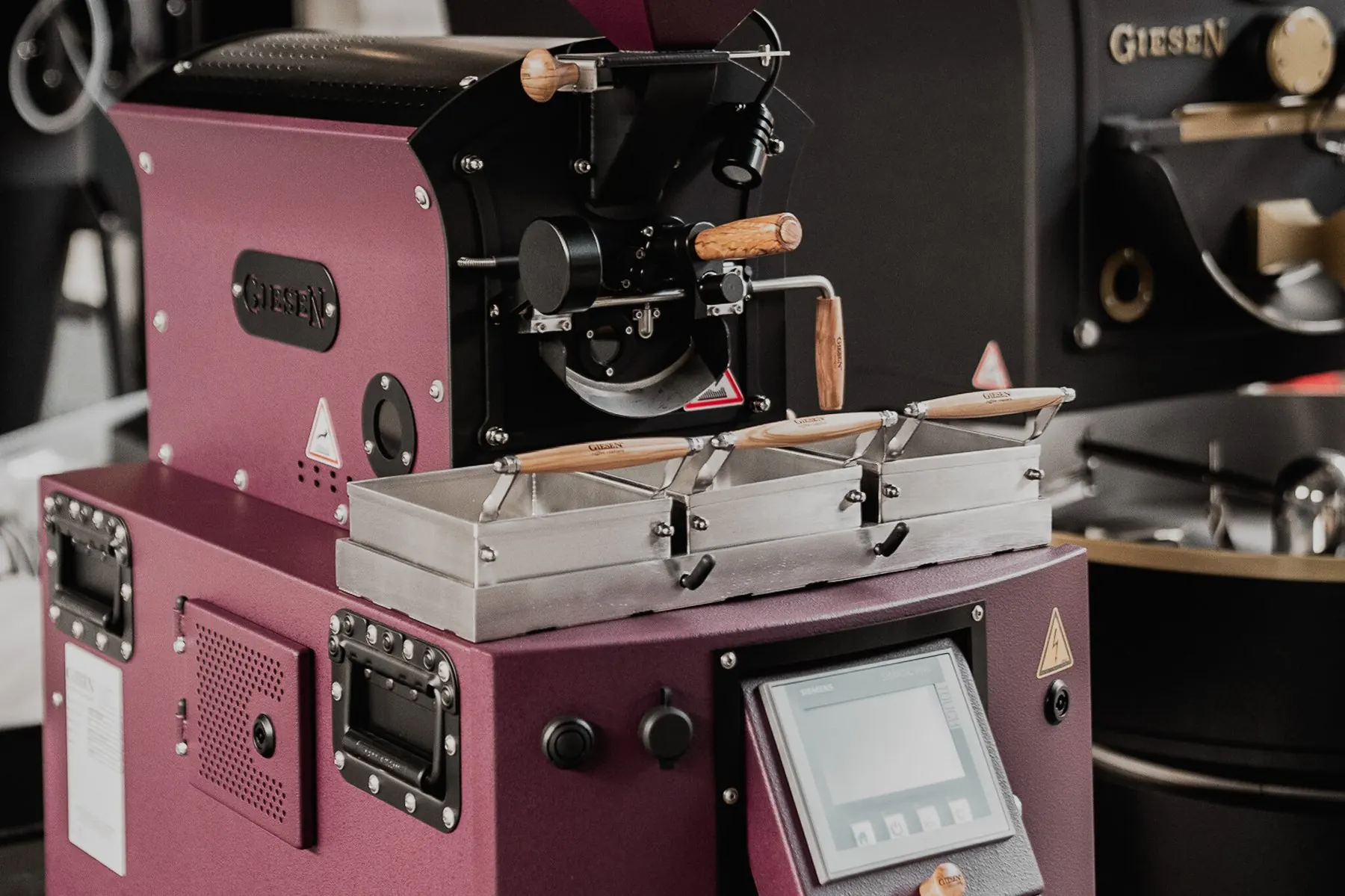
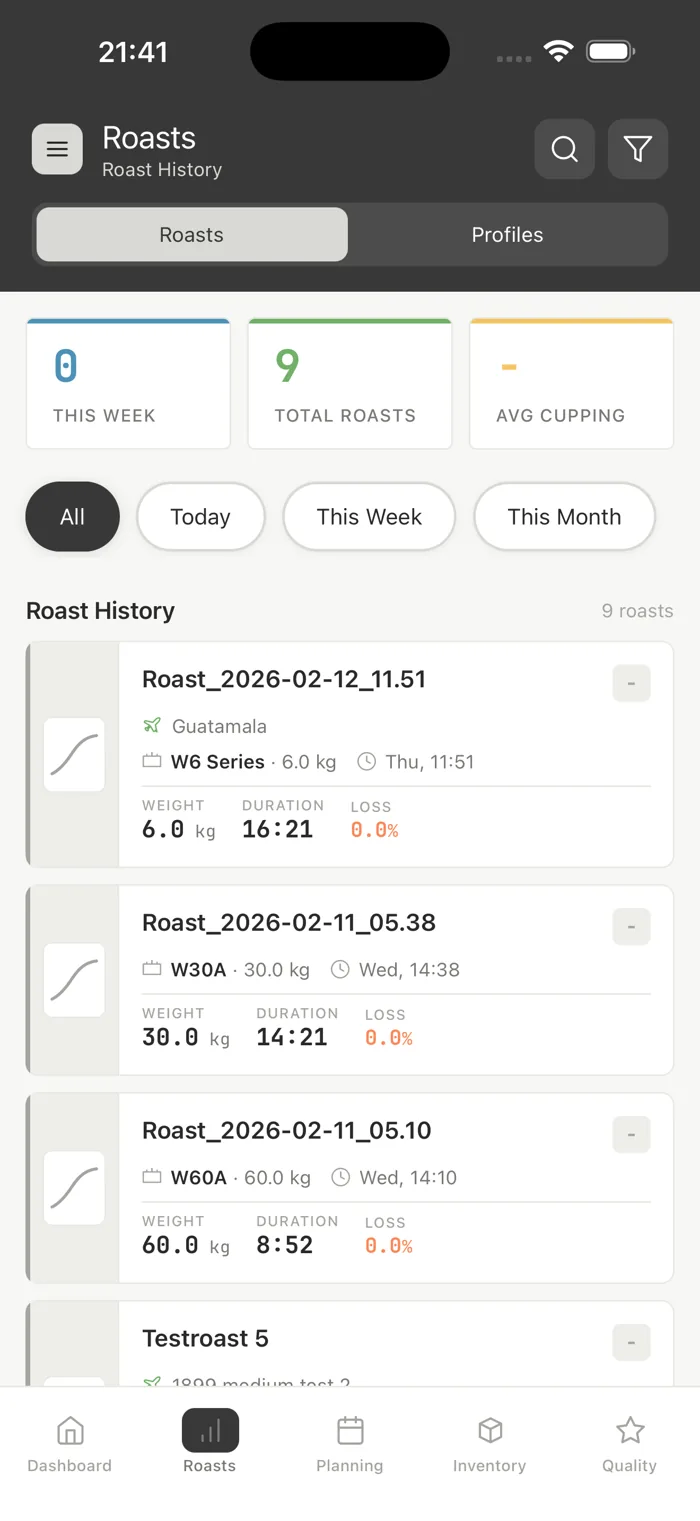
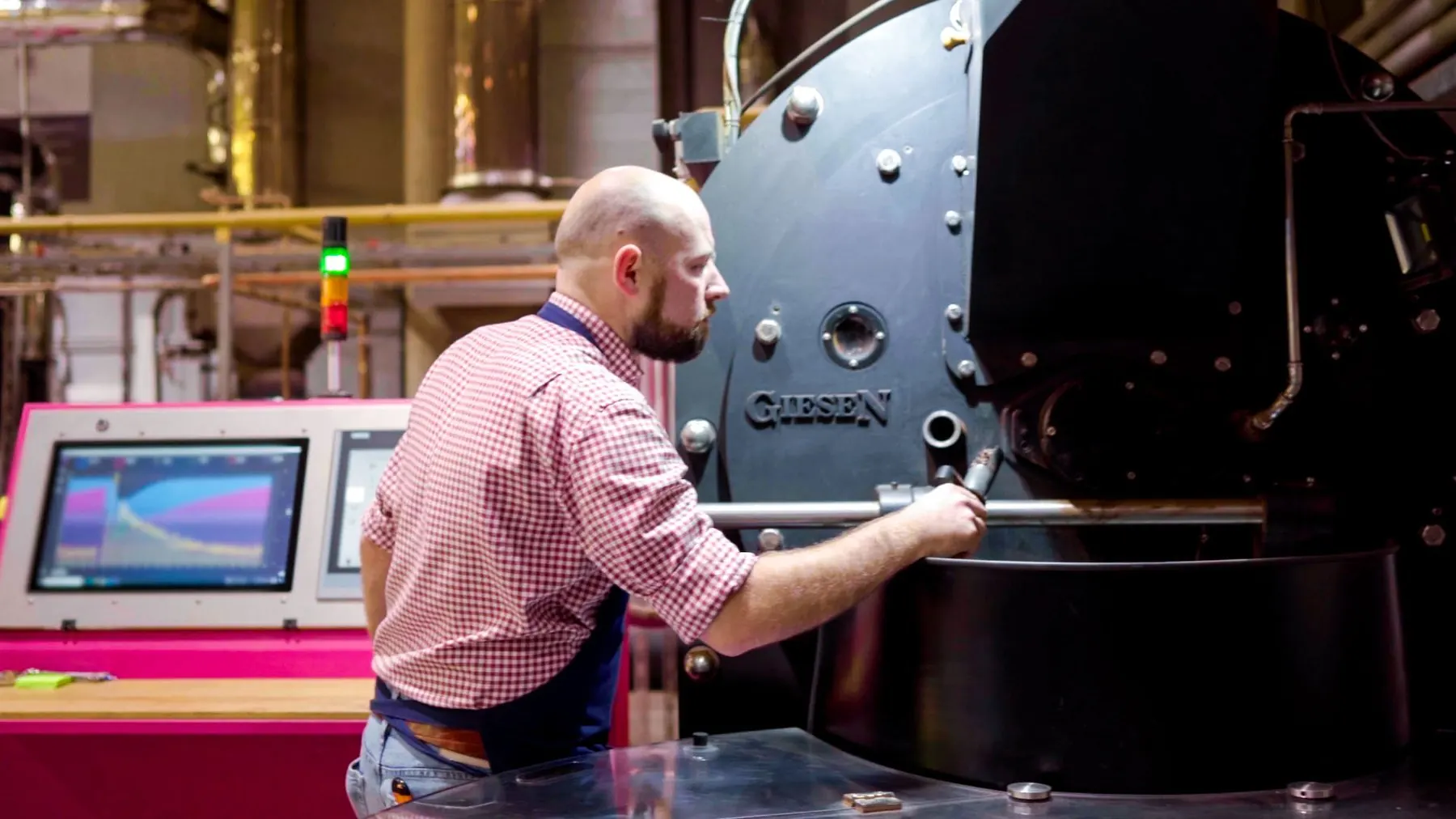
Precision profiling, every batch
Up and running in three steps
- Download
Choose the right version for your platform above and install the application.
- Create an account
Sign up for a free GiesenCloud account or log in with your existing credentials.
- Connect your roaster
Follow the in-app setup to connect your Giesen roaster or external probes and start logging roasts.
System requirements
Free local Profiler. Cloud sync and team features require a paid plan.
See PricingmacOS
- Builds
- Intel · Apple Silicon
- Roaster
- A Giesen roaster or external probes
- Network
- Internet connection for cloud sync
Windows
- Builds
- x64 · ARM64
- Store
- Microsoft Store
- Roaster
- A Giesen roaster or external probes
- Network
- Internet connection for cloud sync
Ready to start profiling?
Download the Giesen Profiler, create a free account and connect your roaster.